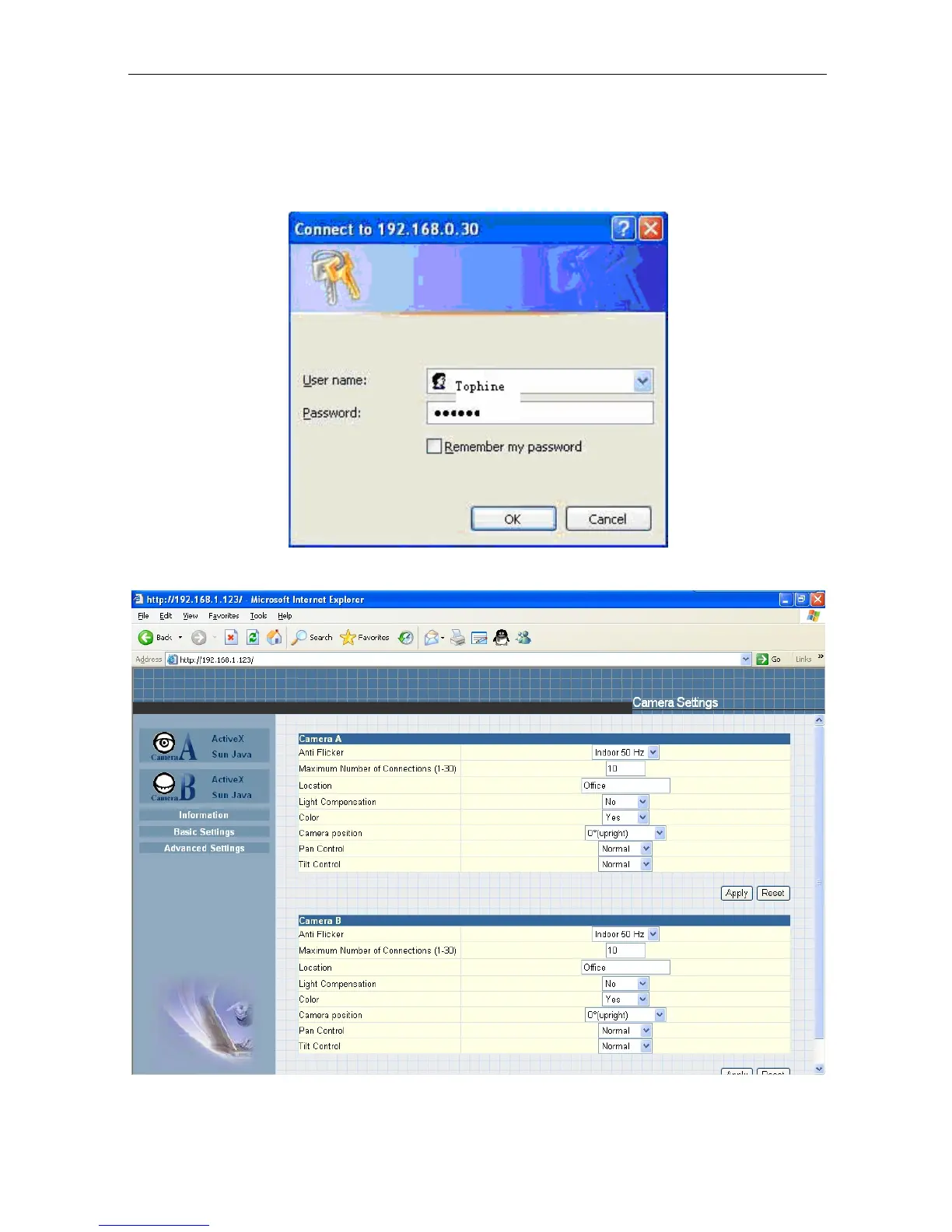
Once you have done the above, the IP Camera login screen will appear.
Key in
the administrator account number and password
entered earlier (if you did not input one,
then just press ENTER or click on the “OK” button).
Click either
one to Launch IP Camera.
The IP Camera webpage will appear.
Click ActiveX for Camera A to view the video
images.
2.3 IP Configuration
IP Camera Manual 14



 To Next Page