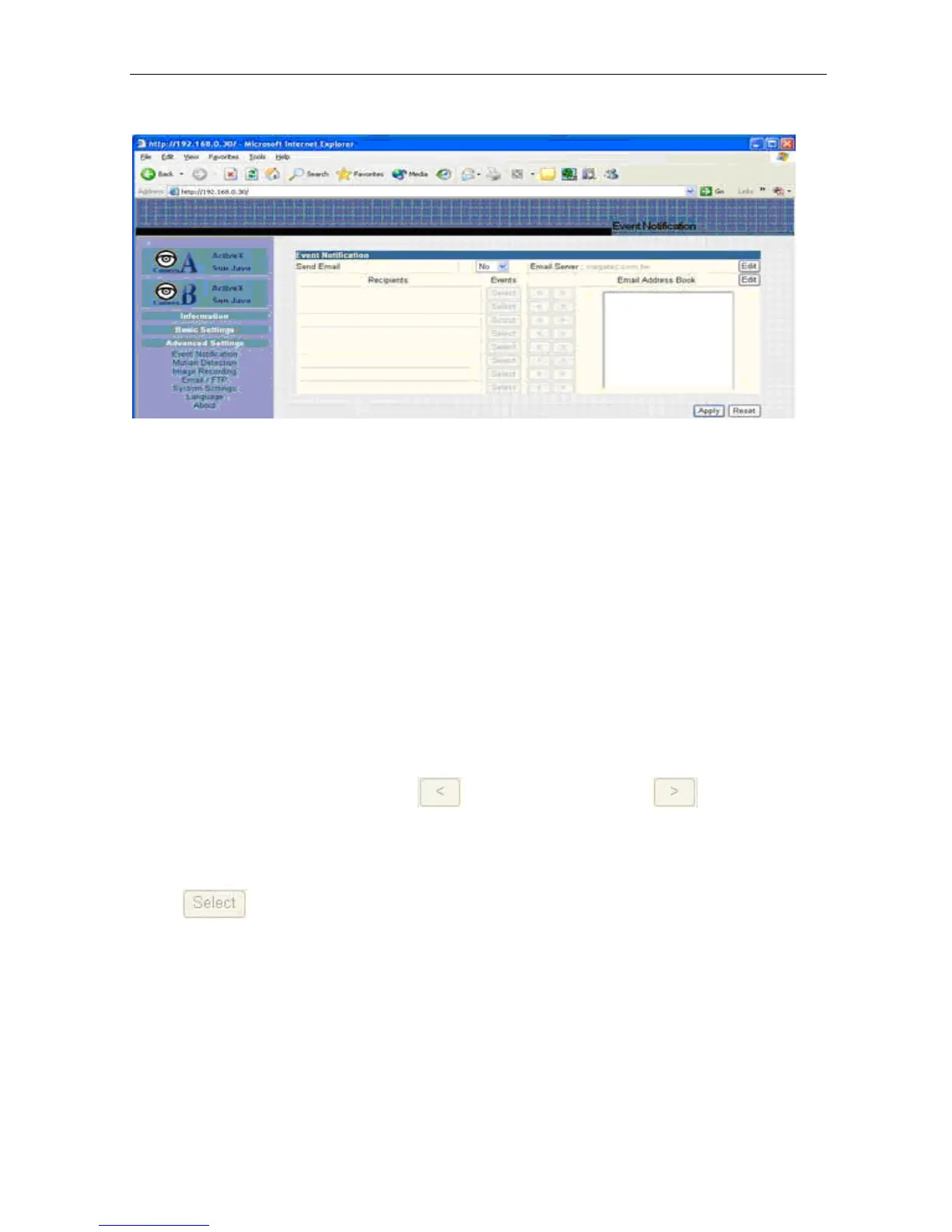
Fig.29 IP Camera Event Notification Page
i. Event Notification
“Send Email”
To activate Event Notification, you
will need to
set “Send Email” to “Yes”.
Select
“No” if you do not wish to send out any notification.
“Email Server”
A valid “Email Server”
with username and password (if authentication
is required)
must be
made available for this feature to work.
If you do
not have this setup, or
wish to change the settings, click on “Edit”.
“Email Address Book”
There must
be at least one valid email address in the address book.
The default
email is
just a sample. If you wish to add or delete entries
in your address book,
click “Edit”.
“Recipients”
IP Camera can send email notification to up to 8
valid email accounts.
To add an
email to the recipient
list, click
. To
remove,
click
.
“Events”
This section determines
the events that the selected recipients will be notified of by
email. There are three types of events, Information, Warning and Error.
Click
to select from the list
of events you wish these recipients
to be notified
of.
IP Camera Manual 28



 To Next Page