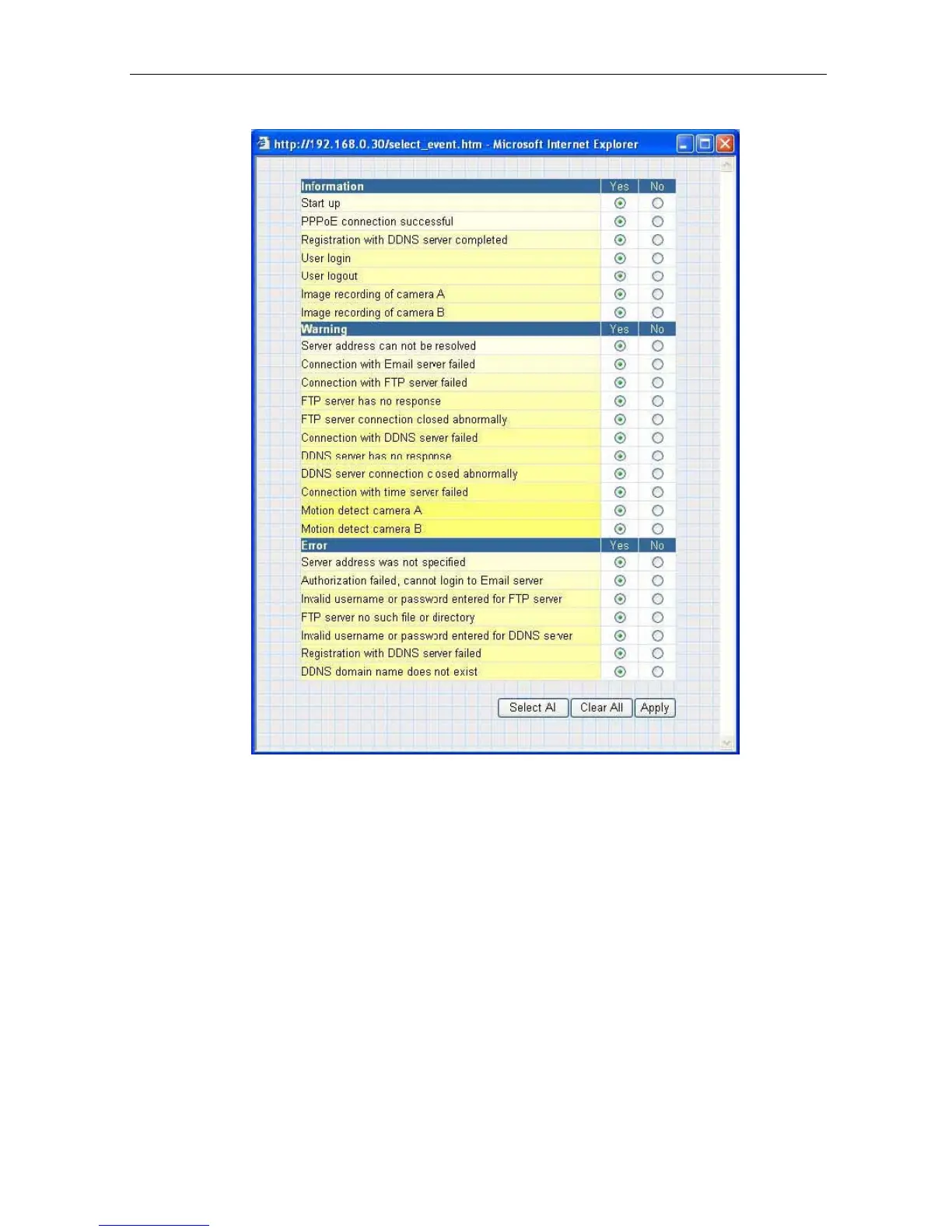
Fig.30 IP Camera Event Selection List
By default,
all the events are selected; you
must click “Apply” to activate them.
Close the window to return to the Event Notification Page.
Click “Apply” to save
your settings.
The IP Camera
will send you the following email notification depending on which
event you have selected.
Note:
The image recording and motion detection notification function here will send
an email notification WITHOUT any pictures attached.
For email notification with
images, the administrator has to setup the Image Recording Page and Motion
Detection Page under Advanced Settings.
Samples;
2.4.2 Motion Detection
This page allows the administrator to set motion detection functions for the cameras.
IP Camera Manual 29



 To Next Page