Follow the link to the respective free service providers to register a Domain Name
and obtain a User Name and Password.
Enter
these details in the boxes provided
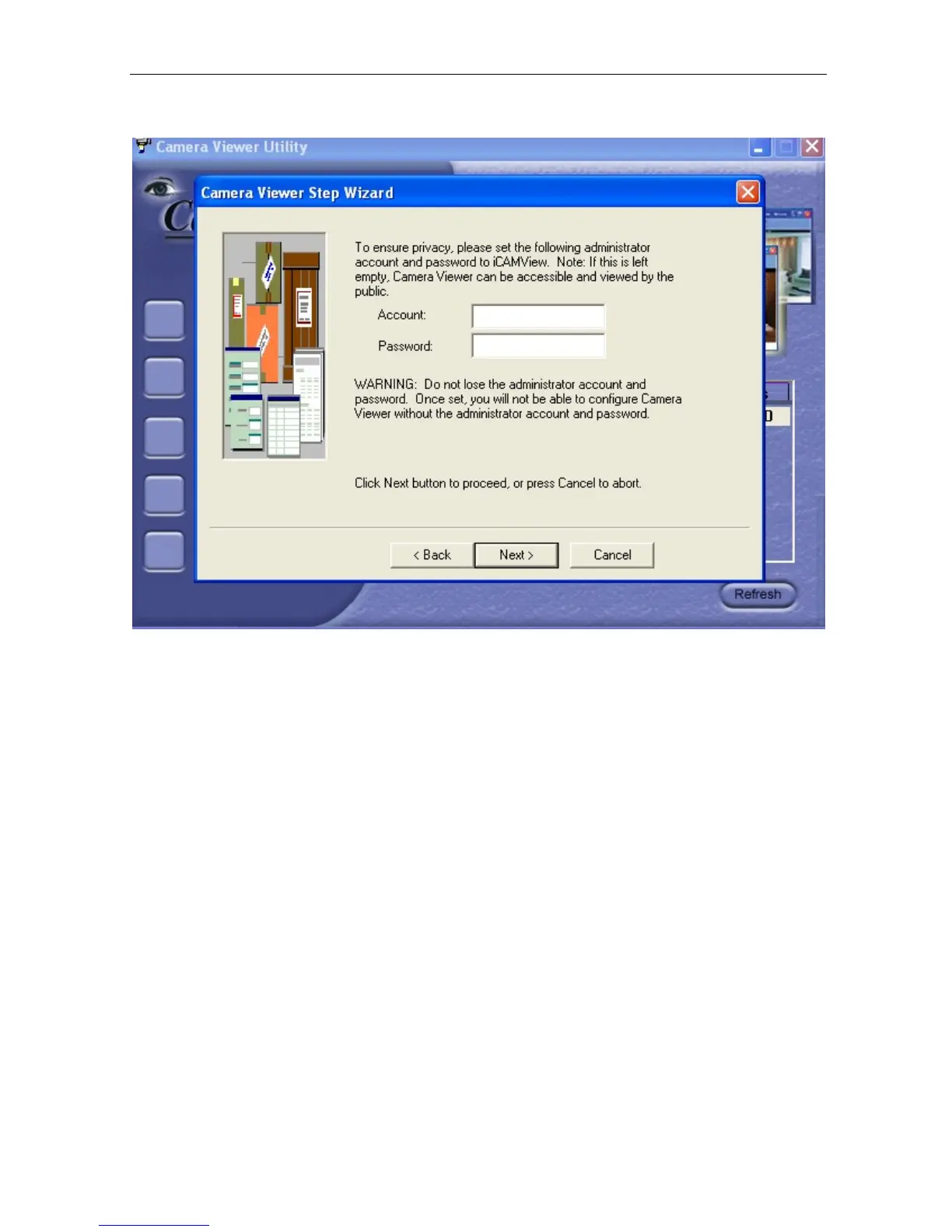
8. Click “Next >” to create an administrator account and password.
An administrator account is necessary to ensure privacy.
If you do not set one,
your IP Camera can be viewed by anyone on the web.
WARNING: Do not lose the administrator account and password.
Once set, you will not be able to configure IP Camera without the
administrator account and password.
9. Click “Next >” to upload this configuration to IP Camera.
IP Camera Manual 12



 To Next Page