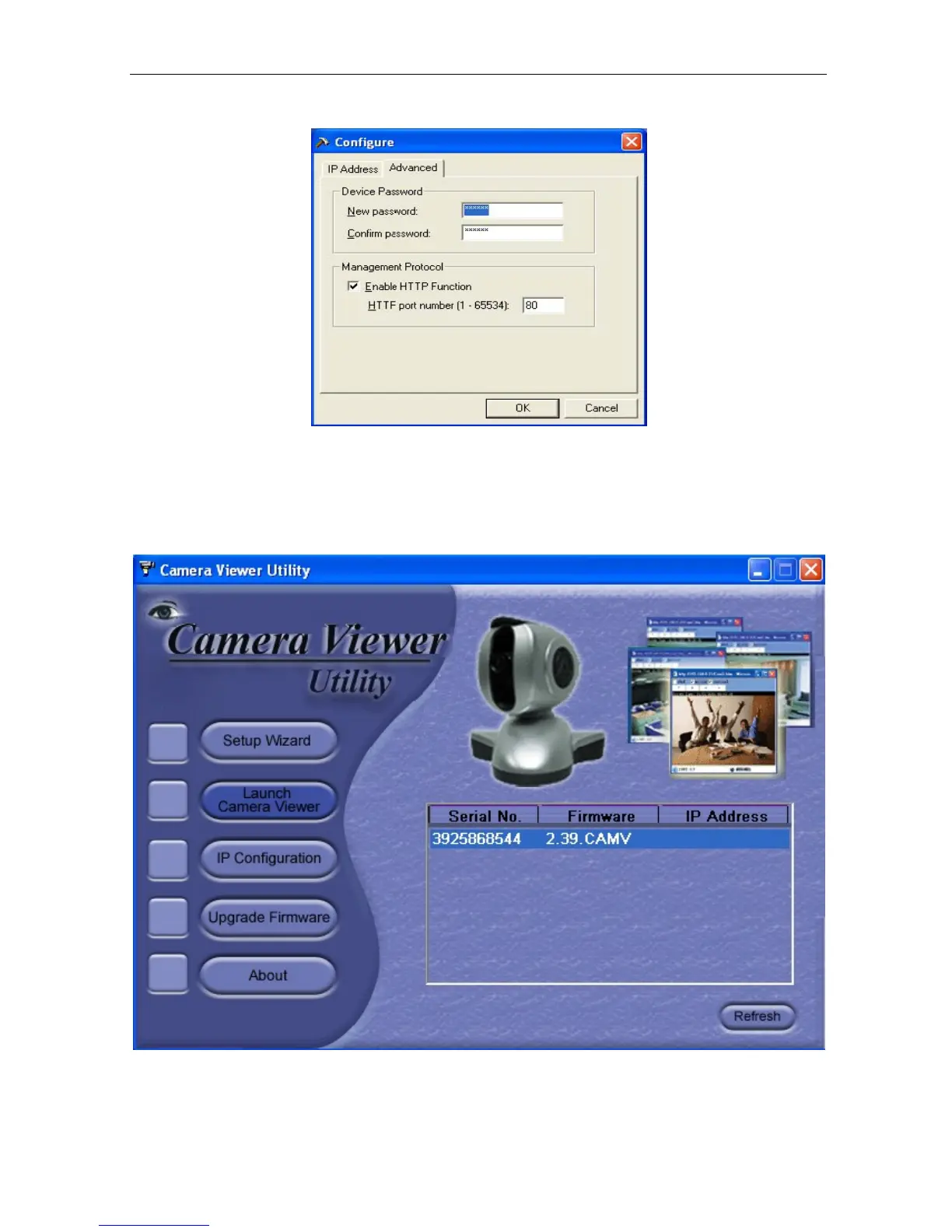
Fig.11 IP Configuration: IP Camera Advanced settings
i. Device Password
Use this to set an access password for each camera you install.
Once set, you
must enter the password to access
the device.
In addition, the IP Address will no
longer be shown on the right display panel
of the IP Camera Utility.
IP Camera
Utility will request “Input Device Password” when you click either
“Setup Wizard”, “Launch IP Camera” or “IP Configuration”



 To Next Page