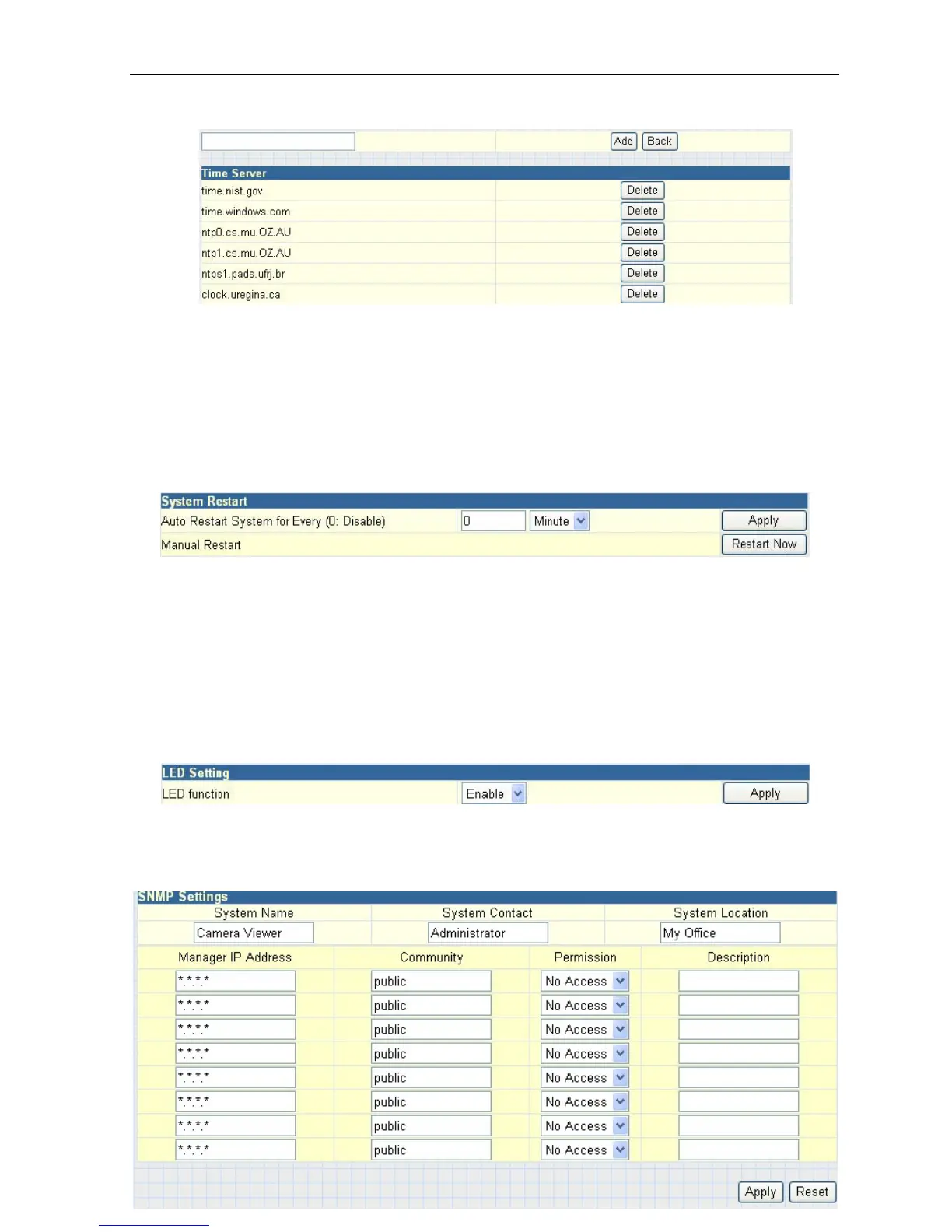
Fig.42 List of Time Server
“Time Zone (Relative to GMT)”
Select the appropriate time zone for your area. Click “Apply” to save.
“System Time (yyyy/mm/dd hh:mm:ss)”
This
section
is
to
manually
set
the
IP Camera
System
Time.
The
format
is pre-determined to: yyyy/mm/dd hh:mm:ss.
Click “Manual
Adjust” to save any manual changes.
ii. System Restart
Fig.43 Auto Restart setting
“Auto Restart System Every”
The administrator can choose to restart IP Camera at certain intervals (choose
between
minutes
and
hours
only).
This will
help
ensure that
your
IP
camera
will
work smoothly in case of a disruption of your internet connection.
Click “Apply” to save changes.
“Manual Restart”
Click “Restart Now” to restart the system immediately.
iii. LED Settings
“LED
function”
The administrator can
enable or disable the
LEDs (except the Power LED)
on the IP Camera here.
Click “Apply” to save settings.
iv. SNMP
Settings



 To Next Page