Rostock MAX v2 User's Guide
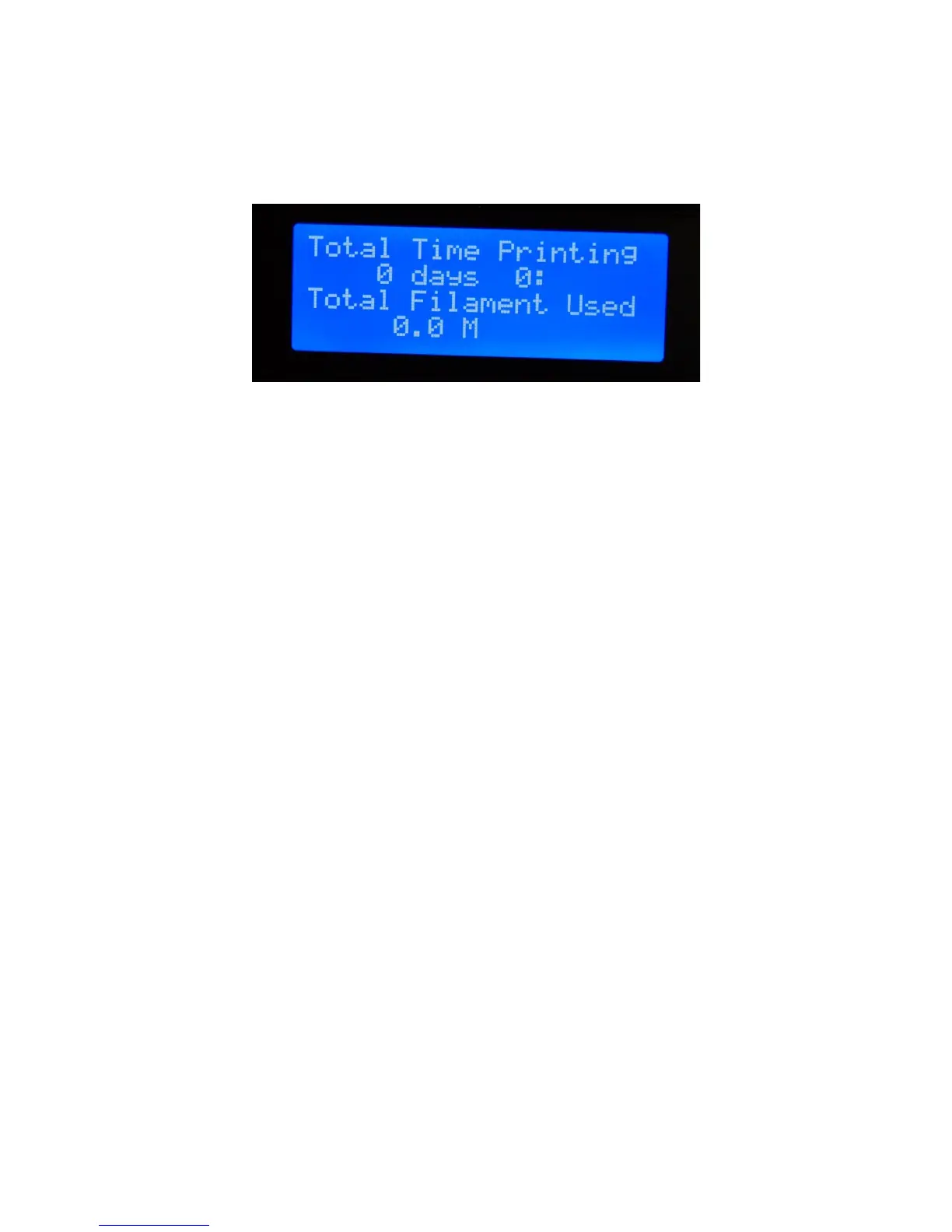
The last thing I'm going to cover in this section is the “activity” display that the LCD can show
you. Turn the knob either direction and you'll get a display that looks something like this:
This will tell you at a glance how much time your Rostock MAX v2 has spent printing and how
much filament it's used in the process. The time display breaks down into days, hours and minutes.
The filament display shows filament used in fractional meters.
Now let's get this thing calibrated and printing!
1 – Driver and Software Installation - 15
Fig. 1.6-3: Activity display.



 To Next Page