Rostock MAX v2 User's Guide
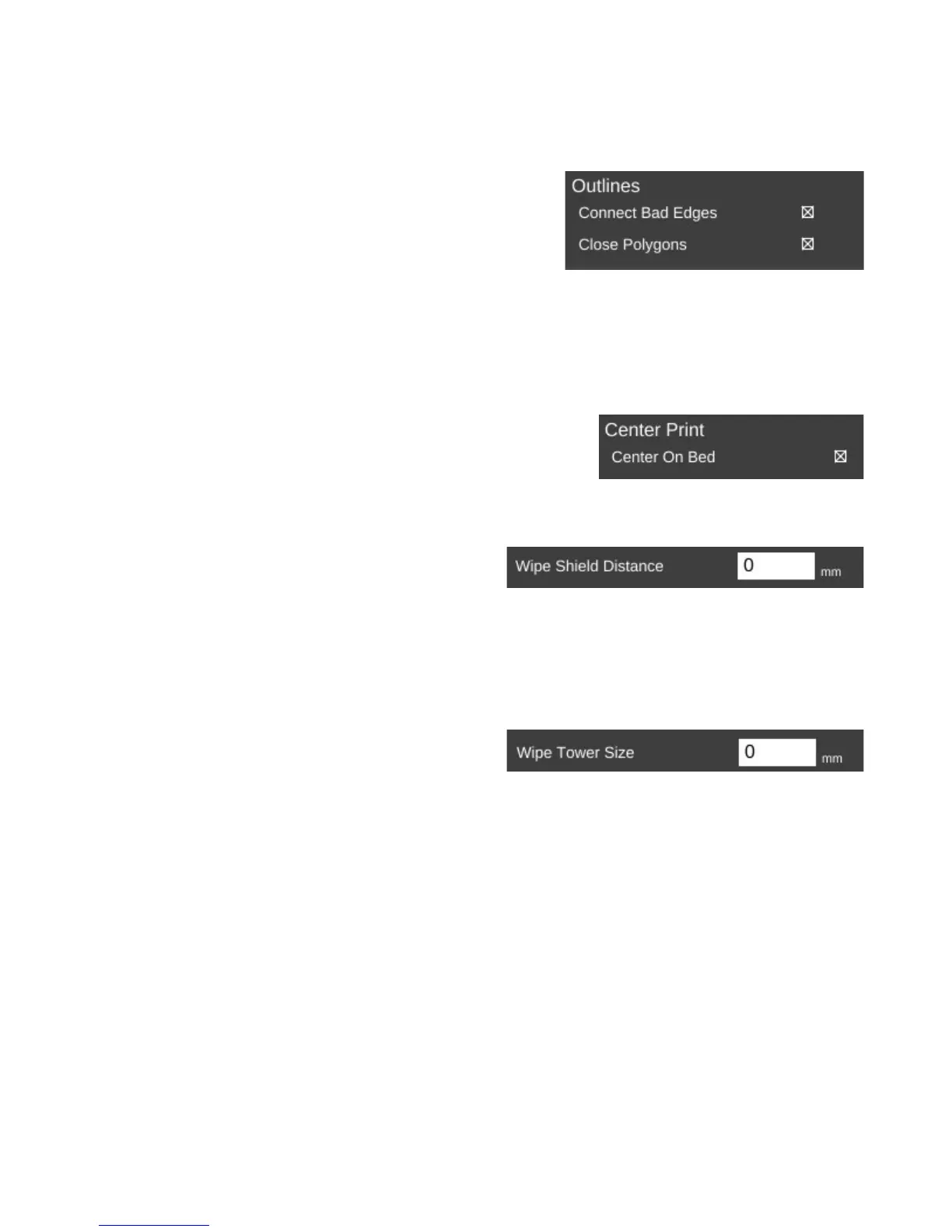
The Repair page contains a couple of settings the govern how (and if) the slicer will attempt
any repair of invalid part models.
Sometimes modeling programs will create a model that
isn't “water tight”, meaning it's got gaps in the surface. These
gaps make it difficult for the slicing engine to do its job and in
some cases can cause the slicing operation to fail. The Repair
option is MatterSlice's attempt to help fix these issues if they're
detected.
On the Output Options page is a single parameter, Center On Bed. This will automatically
center the model on the print bed when you load it. If you don't want that to happen, just un-check the
box.
The Multiple Extruders page has two settings that control
how ooze & filament wipes are handled.
The Wipe Shield Distance specifies how far away from the part you want what is commonly
known as an “ooze shield” to be placed around the part. In a two extruder system, the unselected hot
end will create this “shield” in order to avoid dripping or oozing plastic on other parts of the model.
Wipe Tower is used when changing extruders.
The active nozzle creates a tower of the specified size
and will use it to wipe the nozzle in order to reduce the
possibility of oozing or dripping material on the model
while the other extruder is active.
8 – Advanced MatterControl: Settings – General - 80
Outlines.
Center Bed.
Wipe Shield.
Wipe Tower Size.



 To Next Page