Rostock MAX v2 User's Guide
Minimum Extrusion Requiring Retraction specifies how much filament must be extruded
before a retraction operation is permitted. This helps prevent instances where a retraction operation
would occur before the hot end had the opportunity to actually extrude material.
Wipe Before Retract will wipe the nozzle before starting the retract process. This helps to
eliminate stringing and oozing.
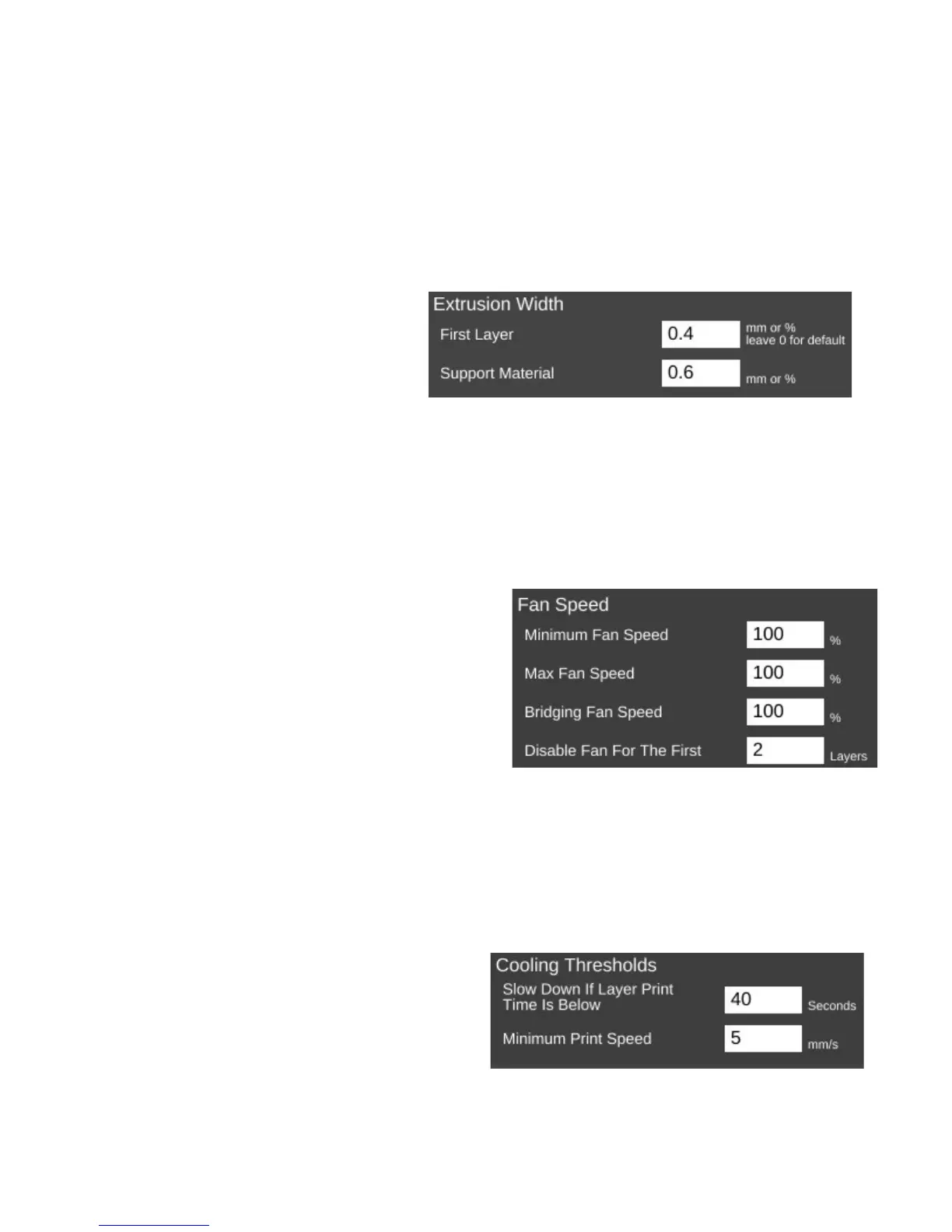
The Extrusion page has but two
parameters.
First Layer allows you to specify the
width of the first layer as it's laid down.
Setting the value to greater than 100% can
assist in first layer adhesion.
Support Material will allow you to tune the extrusion width used when printing support
material.
The Cooling page covers parameters relating to layer cooling.
The Fan Speed section controls how and when the cooling layer fan is used.
Minimum and Maximum Fan Speed controls
the lower and upper limits of how fast you want the fan
to go when it's enabled. If you specify a minimum
speed, the slicing engine will automatically vary the
speed of the fan between the min & max values,
depending on the location being printed. For larger
parts, the slicing engine may run the fan more slowly
than it would for smaller parts.
Bridging Fan Speed covers the speed that the
fan should run at when the slicer is creating a filament bridge. A bridge is basically a free-hanging
length of filament with no support below it. Some materials like PLA form excellent bridges if cooled
while being extruded.
Disable Fan For The First n Layers allows you to make sure that the fan isn't activated during
the crucial first few layers of a print. You typically don't use the fan for at least the first two layers in
order to help ensure good bed adhesion.
Cooling Thresholds allow you to slow the
print speed down during a print if needed. If the
current layer will require more than the specified
time to print, the slicing engine will automatically
slow the print speed down to meet this goal.
9 – Advanced MatterControl: Settings – Filament - 83
Setting cooling fan speeds.
Setting cooling thresholds.
Extrusion width.



 To Next Page