Rostock MAX v2 User's Guide
This can be important because if you don't use a fan, a layer will need time to radiate its excess
heat before the next layer is applied. If the material isn't cooled, or given time to cool via radiation,
heat can build up in the underlying layers and cause curling and other undesirable effects.
Minimum Print Speed can be used to ensure that the printer doesn't slow down TOO much,
which can cause it's own heating problems. For example, if you're printing too slowly, the presence of
the nozzle moving over the surface can cause heating to areas adjacent to the nozzle tip which can
cause blobbing or layer deformation.
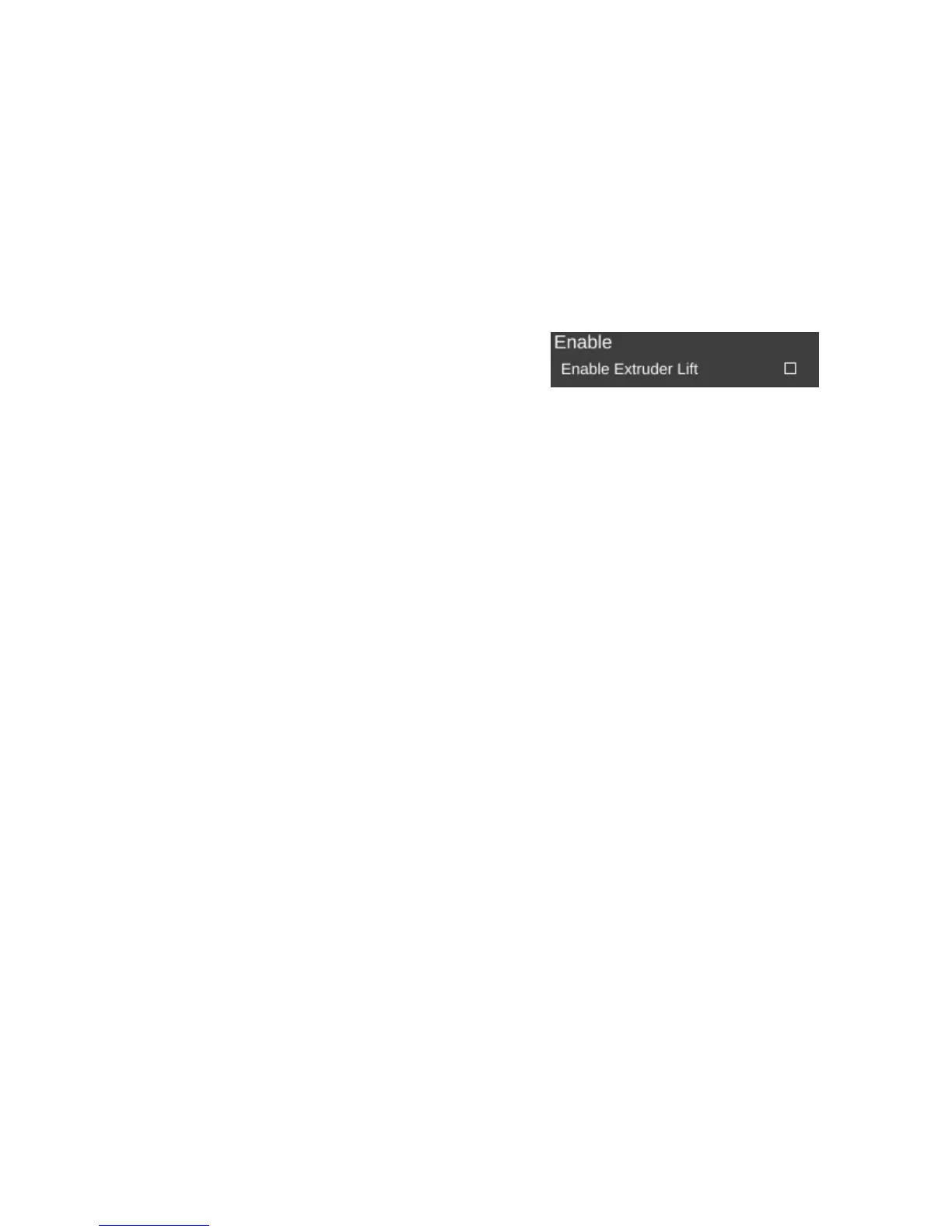
Enable Extruder Lift if set, will cause the hot end to
lift up from the part to allow cooling.
Note that none of the fan options will come into effect unless you've enabled the operation of
the fan. I'll cover that in the next section.
9 – Advanced MatterControl: Settings – Filament - 84
Enabling extruder lift.



 To Next Page