Rostock MAX v2 User's Guide
Resume G-Code is sent when the Rostock MAX is resumed.
Cancel G-Code is sent when you cancel a print job from MatterControl
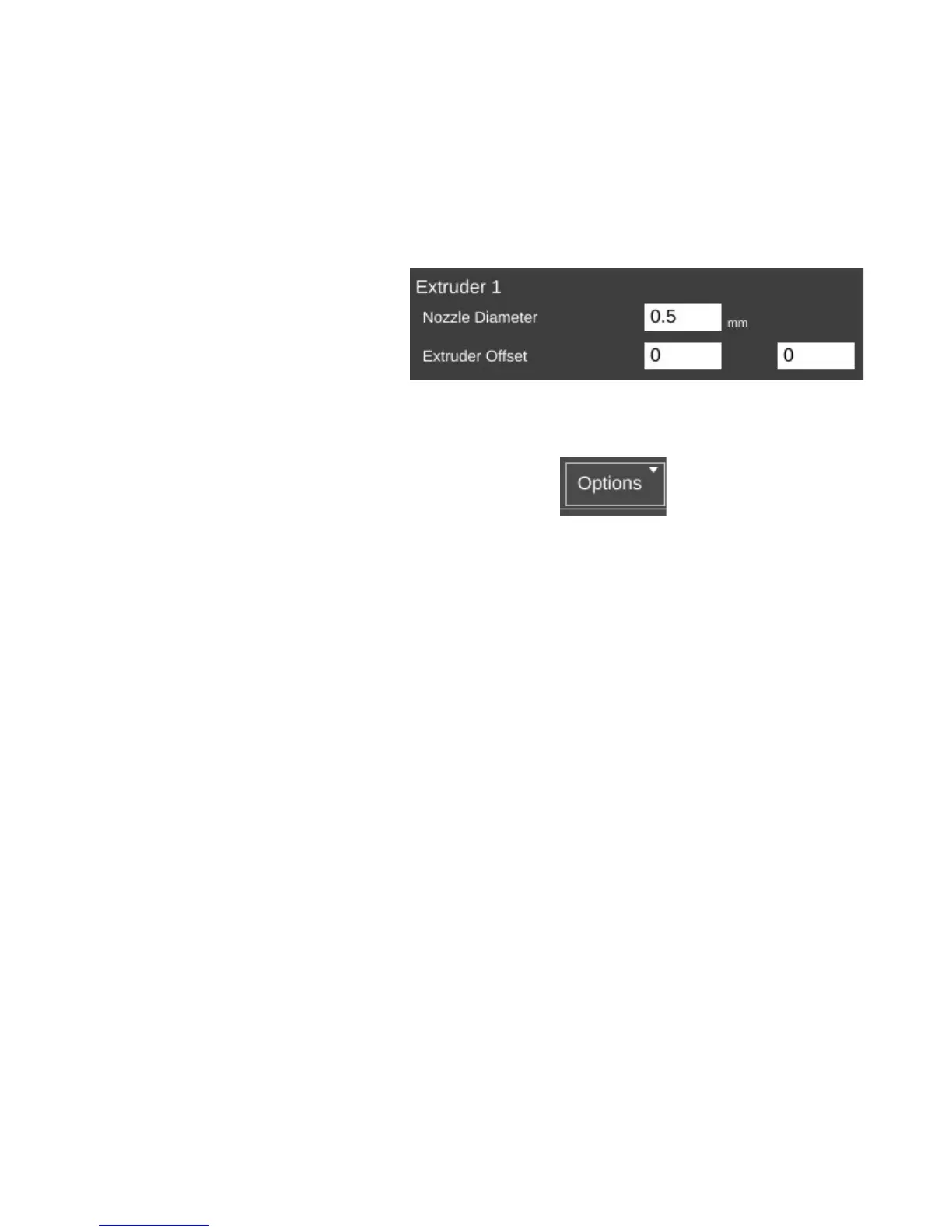
The last page for the Printer tab is called Extruder. This page allows you to configure each
extruder you have installed in your Rostock MAX.
Nozzle Diameter specifies the
diameter of the currently installed nozzle
in the hot end.
Extruder Offset allows you to specify the offset from the center of the effector platform in the
Rostock MAX. This parameter is only used in multi-extruder configurations.
The last feature I'd like to cover can be found here:
The Options control allows you to import and export
configurations. This can be handy when you want to share your slicing engine settings with others, or
import settings from other sources.
10 – Advanced MatterControl: Settings – Printer - 87
Extruder settings.



 To Next Page