SERVOPRO NOx Analyzers Page
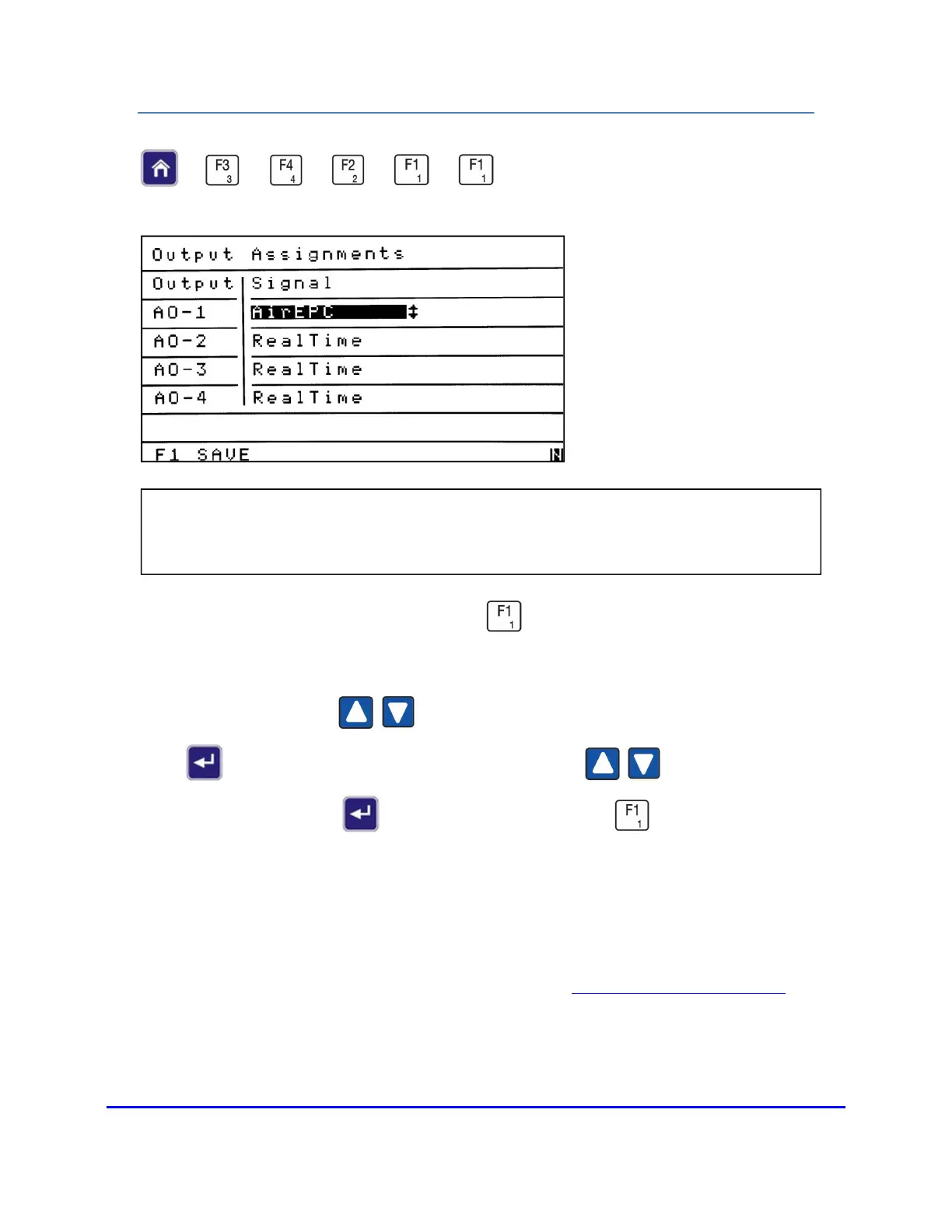
OUTPUT ASSIGNMENTS
→
→
→
→
→
From the Programmable Analogs menu press to access the Output Assignments
screen.
Use the Up/Down arrows to highlight the field you intend to change. Press
Enter to open the field and use the Up/Down arrows to change it to the
desired signal. Press Enter again to close the field. Press to save your
changes.
NOTES:
1. Analog Output 1 (for example) is listed as AO-1 in the Output column.
2. For information on analog output connections see
Analog and Digital Interface.
NOTE: The Output Assignments screen allows the operator to view or change the
signals assigned to the programmable analog outputs.














 To Next Page