SERVOPRO NOx Analyzers Page
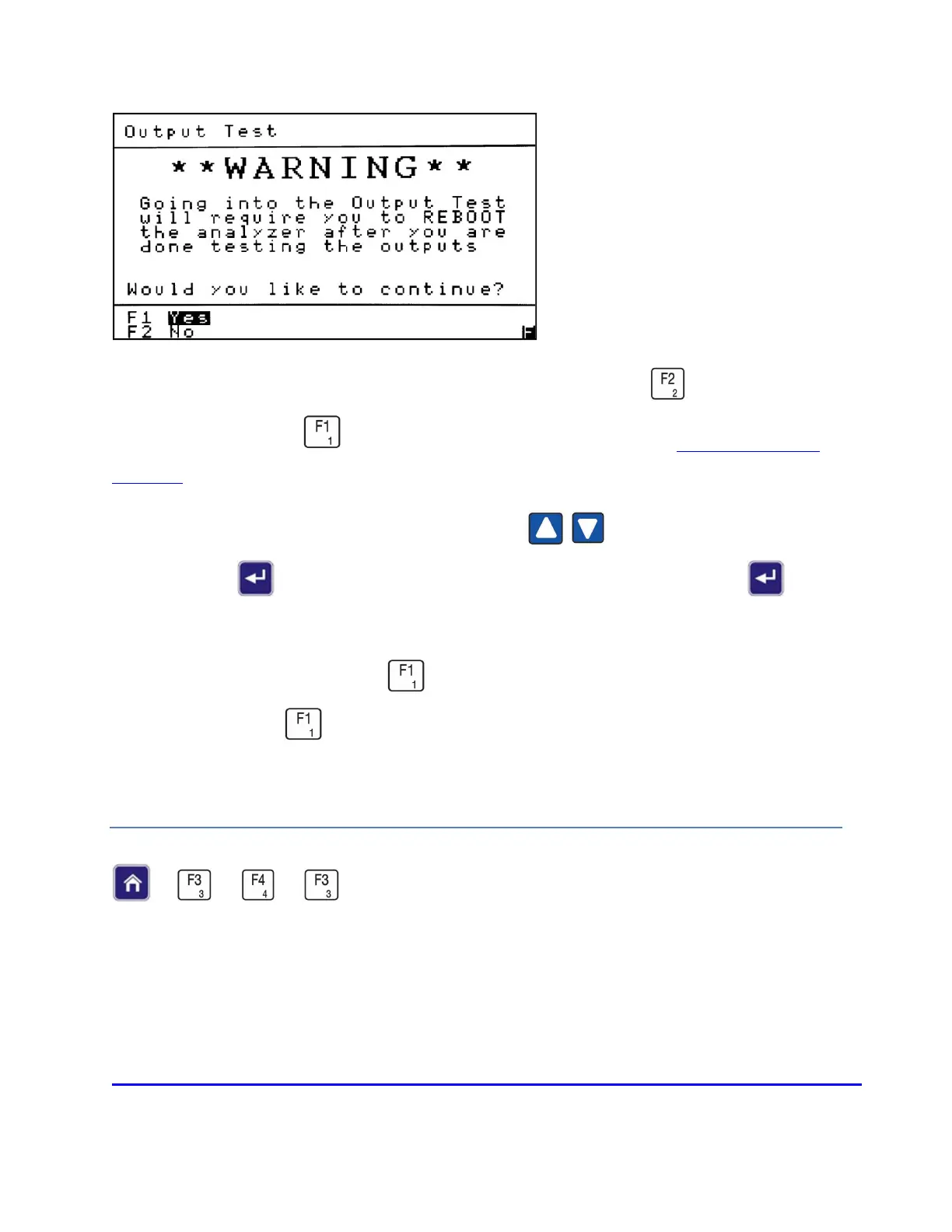
To exit the Output Test screen and proceed with normal operation press . To continue to the
Output Test screen press . For information on output connections see
Analog and Digital
Interface.
To test outputs one at a time, use the Up/Down arrows to highlight the desired output,
then press Enter to change the state of the output (open or closed). Press Enter again
to change the state back.
To test all the outputs at once, press to change the state of all the outputs (they are all Open
in the example). Press again to change all the output states back.
Upon completion of the test, you will be required to reboot the analyzer to resume operation.
TCP/IP PARAMETERS
→
→
→














 To Next Page