SERVOPRO NOx Analyzers Page
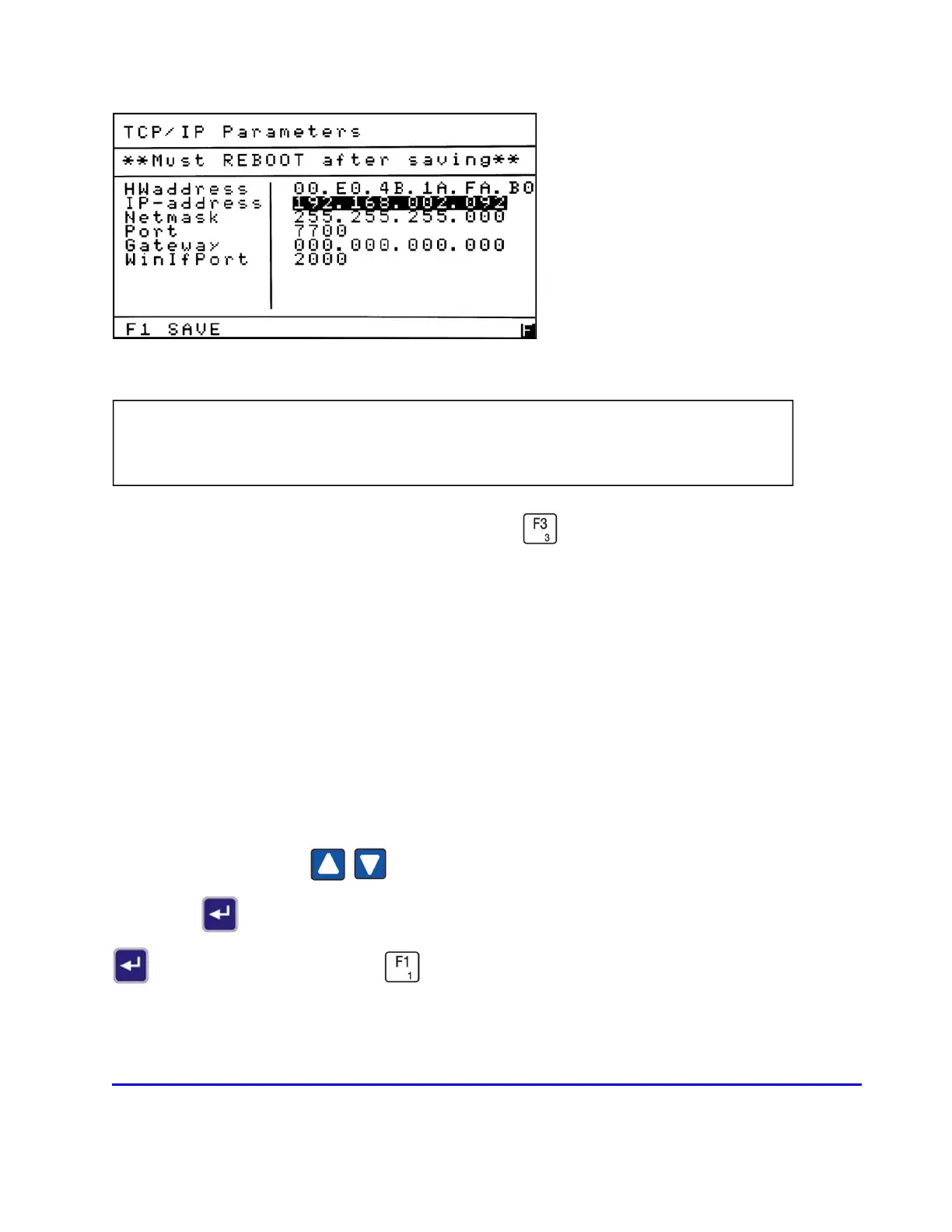
The TCP/IP Parameters screen is accessed by pressing from the Setup menu.
TCP (Transmission Control Protocol) is a standard protocol for sending information between
devices connected to a computer network. It includes a format of packets, also called datagrams.
IP (Internet Protocol) specifies the addressing scheme. Most networks combine IP with TCP,
establishing a virtual connection between destination and source.
The IP-address, Netmask and Gateway may be defined by the user. The Port and WinIfPort
are assigned 7700 and 2000 by SERVOMEX and should not be changed unless required for a
certain location.
Use the Up/Down arrows to move the highlight to the setting you wish to change.
Press Enter to open the field to change the value. After making your change, press Enter
again to close the field. Press to save your changes and return to the Setup menu.
The new settings will take effect after the analyzer is rebooted.
NOTE: The TCP/IP Parameters screen is used for setting up the parameters for
communication between an analyzer and computer.














 To Next Page