SERVOPRO NOx Analyzers Page
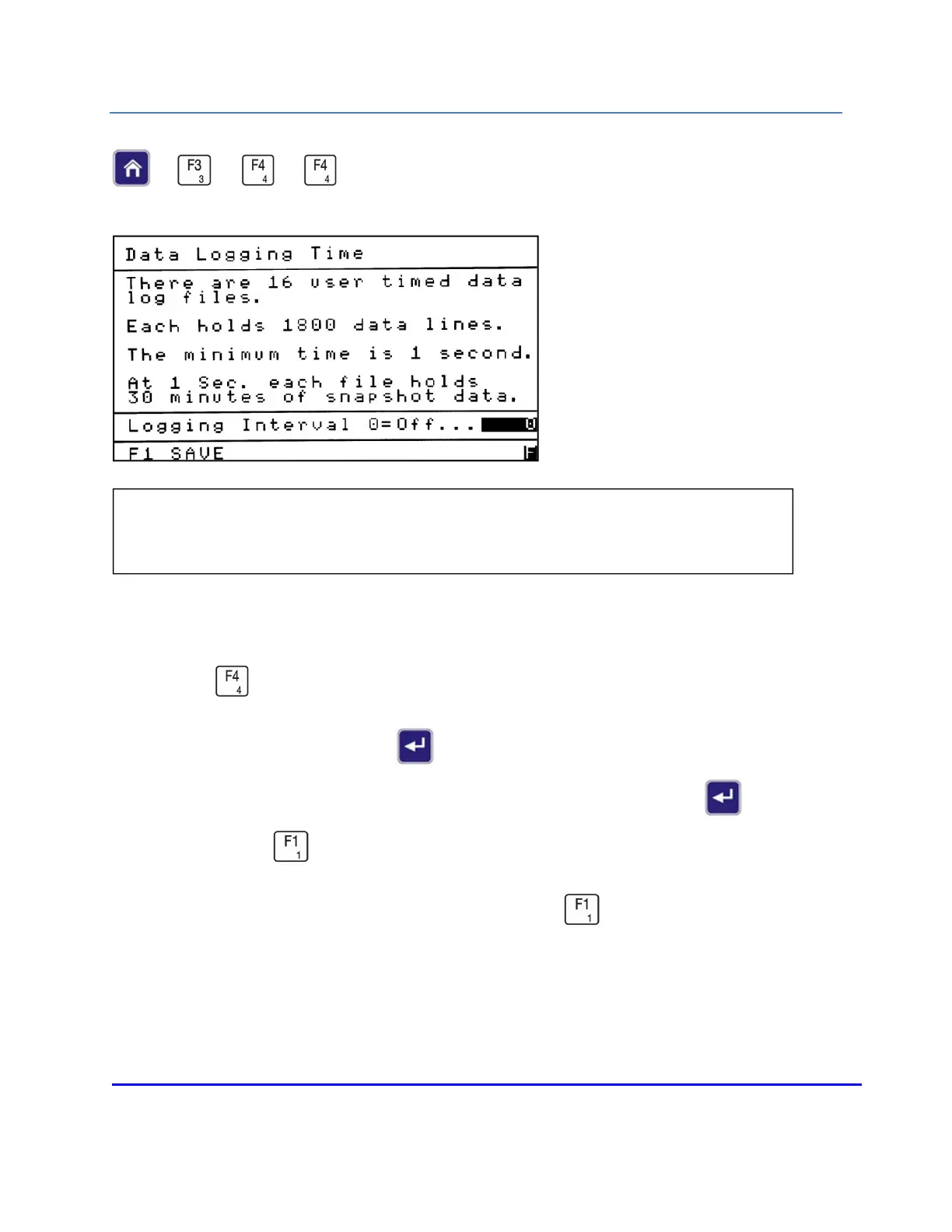
DATA LOGGING TIME
→
→
→
When troubleshooting with SERVOMEX Technical Support, the operator may be asked to turn
this feature on. These files can only be accessed by SERVOMEX. To access the Data Logging
screen, press from the Setup menu.
To turn Data Logging on, press Enter to open the field, and change the Logging Interval
from 0 to the desired time (in seconds). After making your change, press Enter again to
close the field. Press to save your change and return to the Setup menu.
To turn Data Logging off change the interval to 0 and press to save.
NOTE: Data logging allows the analyzer to store internal variables to support
SERVOMEX troubleshooting.














 To Next Page