Phone App 118
2.
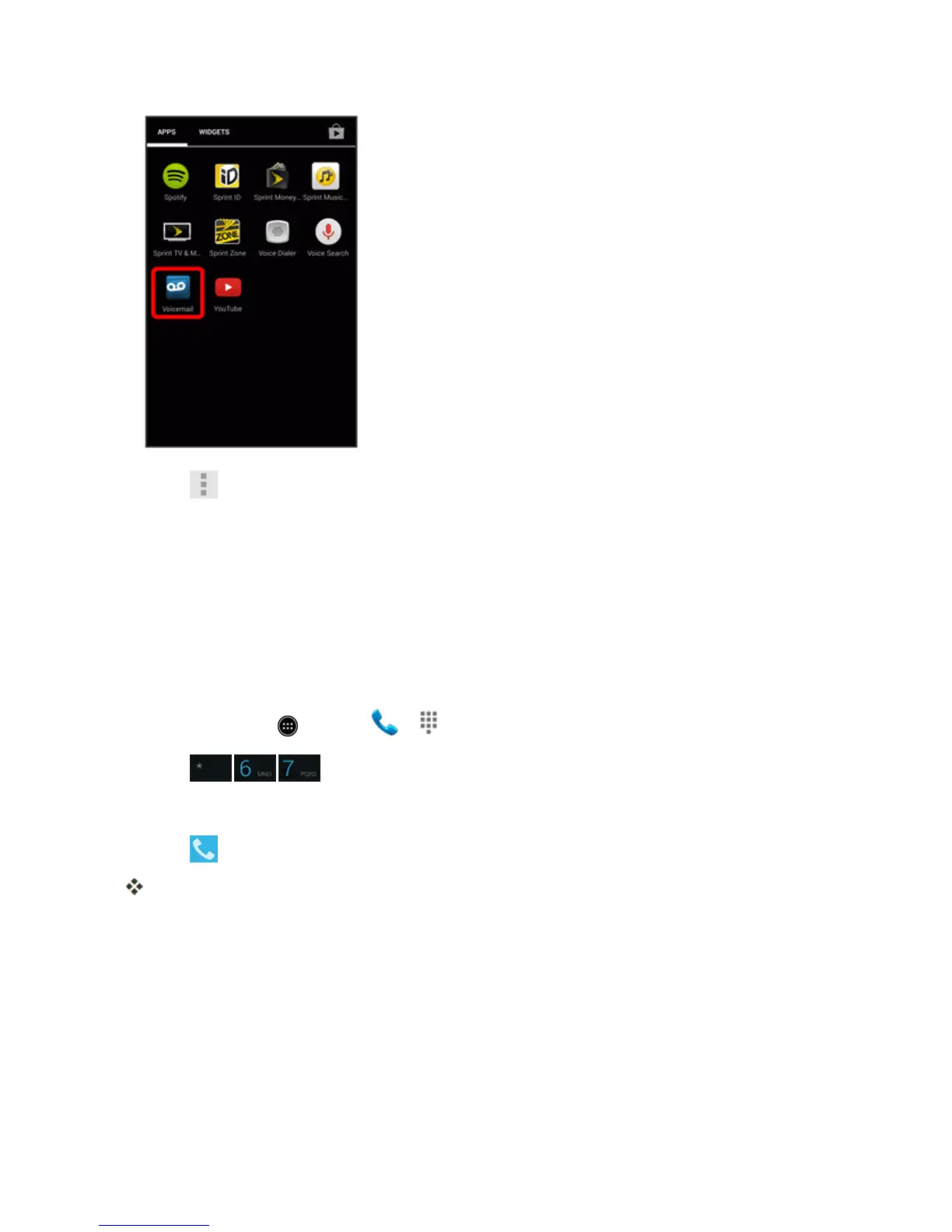
Touch >Settings>Display name.
3. Touchtheexistingidentificationfieldandenteranewidentifyingnameornumber(usedto
identifyyoutorecipientsofyourvoicemessages).
4. TouchOKtosaveyourinformation.
Caller ID Blocking
CallerIDidentifiesacallerbeforeyouanswerthephonebydisplayingthenumberoftheincoming
call.Ifyoudonotwantyournumberdisplayedwhenyoumakeacall,followthesesteps.
1.
Fromhome,touch >Phone > .
2.
Touch .
3. Enteraphonenumber.
4.
Touch .
Yourcallerinformationwillnotappearontherecipient’sphone.
Topermanentlyblockyournumber,callSprintCustomerService.
Call Waiting
Whenyou’reonacall,CallWaitingalertsyoutoincomingcallsbysoundingtwobeeps.Your
phone’sscreeninformsyouthatanothercalliscominginanddisplaysthecaller’sphonenumber(ifit
isavailable).
Torespondtoanincomingcallwhileyou’reonacall:



 To Next Page