New Sharp Super Picture
This function creates clearer modulation during playback for high picture quality.
SET
0
(S.PICTURE]
Press
S. PICTURE
on the VCR.
“SPICTURE
ON (or OFF)” will appear on the TV screen for a few seconds. Each
time the button is pressed, the mode switches between ON and OFF. (The New
Sharp Super Picture is preset to ON at the factory.)
ON:
Normally leave the mode set to ON. This high picture quality function will create a
clearer image during playback.
OFF:
Set to OFF when playing back a tape on the VCR while editing or when strong noise
appears on the screen. Set to OFF when using the VCR as an editing source.
l This function only operates during playback. It will not operate when recording or watching a TV programme with the VCR tuner
l This function cannot be set to ON/OFF with the MENU screen displayed.
l If power is interrupted for more than 60 minutes (power failure, etc.), the setting will return to ON.
Zero-Back Function
The zero-back function makes the cassette fast forward (or rewind) to the previously set
“O:OO.OO”
point and
stop there.
0
Make sure the counter is displayed, then press CLEAR on the remote control at
the point you wish to return to later.
“O:OO.OO”
is displayed.
@
Press ZERO BACK on the remote control. The VCR automatically detects the
@
direction of the
“O:OO.OO”
position and fast forwards (or rewinds) the tape.
When the tape reaches the
“O:OO.OO”
position, the tape automatically stops.
*The zero-back function does not operate during recording and fast forward (or rewind). The function works during the
playback, stop and video search modes.
Fl
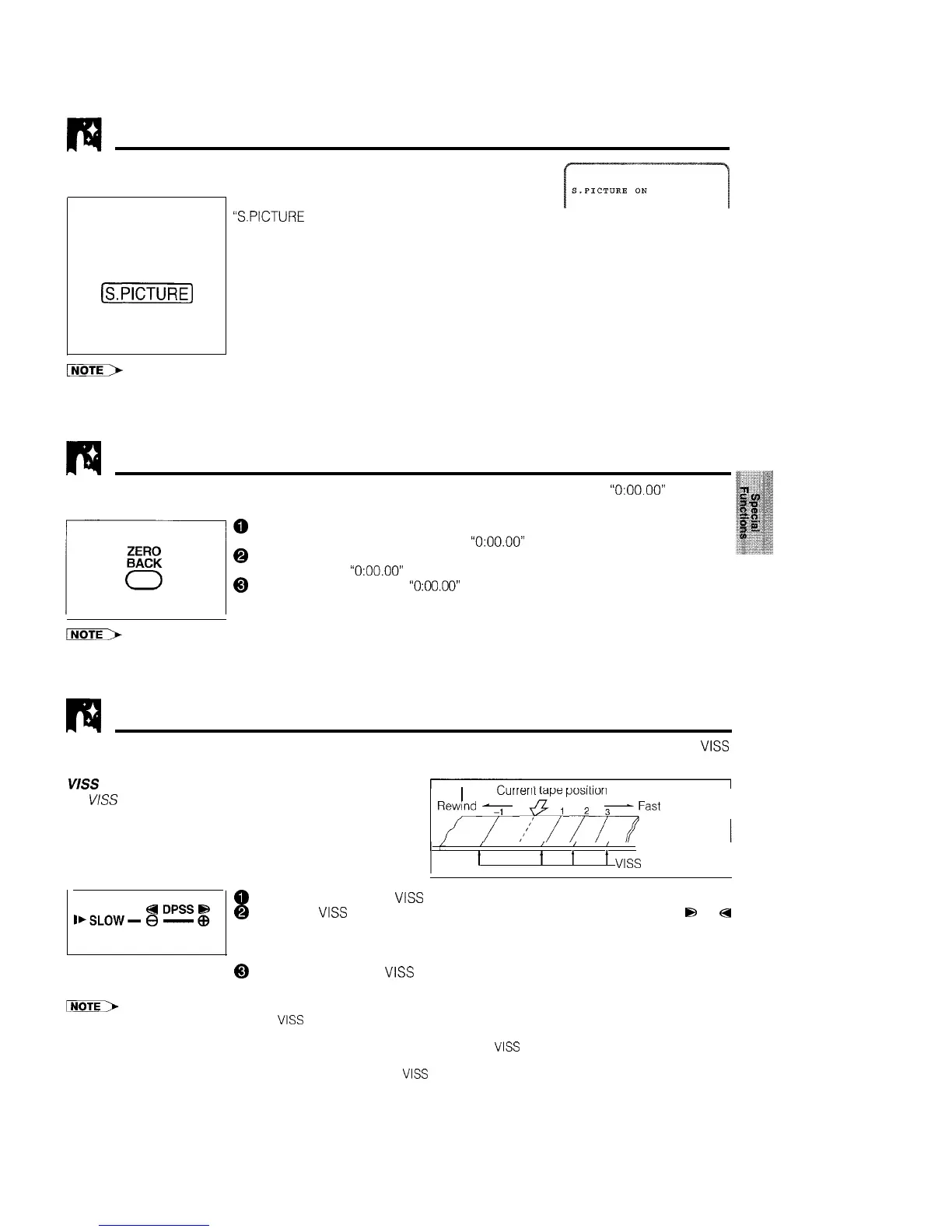
DPSS (Digital Programme Search System)
With this feature you can quickly locate a desired section of the tape. The DPSS feature makes use of
VISS
(index) signals to search for a specified tape segment and begin playback automatically.
VISS
(Index) Signal
An
VISS
(index) signal is automatically recorded on the
wrrenr
kipe
posrtrorr
tape at the start of ordinary recording, simple recording
1
timer and timer recording.
ynd
7
.“;
i
/>Fast
forward
0
Load a tape containing
VISS
(index) signals into the VCR.
I,SLOW-
8
-
a
DPSSti
@ Select the
VISS
(index) number of the desired programme using DPSS
8
or
a
000
on the remote control.
Search starts immediately. (When a signal is located, the displayed number
decreases.)
/
/
/ I
t
t
t
t
VISS
(Index signals)
@ When the selected
VISS
(index) signal-encoded section is found, playback
begins automatically.
l DPSS may not function properly if the
VISS
(index) signals are too close together (within 5 minutes of each other).
l DPSS can be cancelled by pressing PLAY/x2 or STOP.
l If the tape reaches its end or is rewound completely before locating the desired
VISS
(index) signal, DPSS is cancelled.
l DPSS may not function for damaged or worn tapes.
l The DPSS function cannot be used with tapes that contain no
VISS
(index) signals.
l The starting point of a programme may vary slightly.
l DPSS does not operate during the slow, record, timer standby, and timer recording modes, or when there is no cassette
loaded.
25



 To Next Page