m
New Child-Proof Lock
El
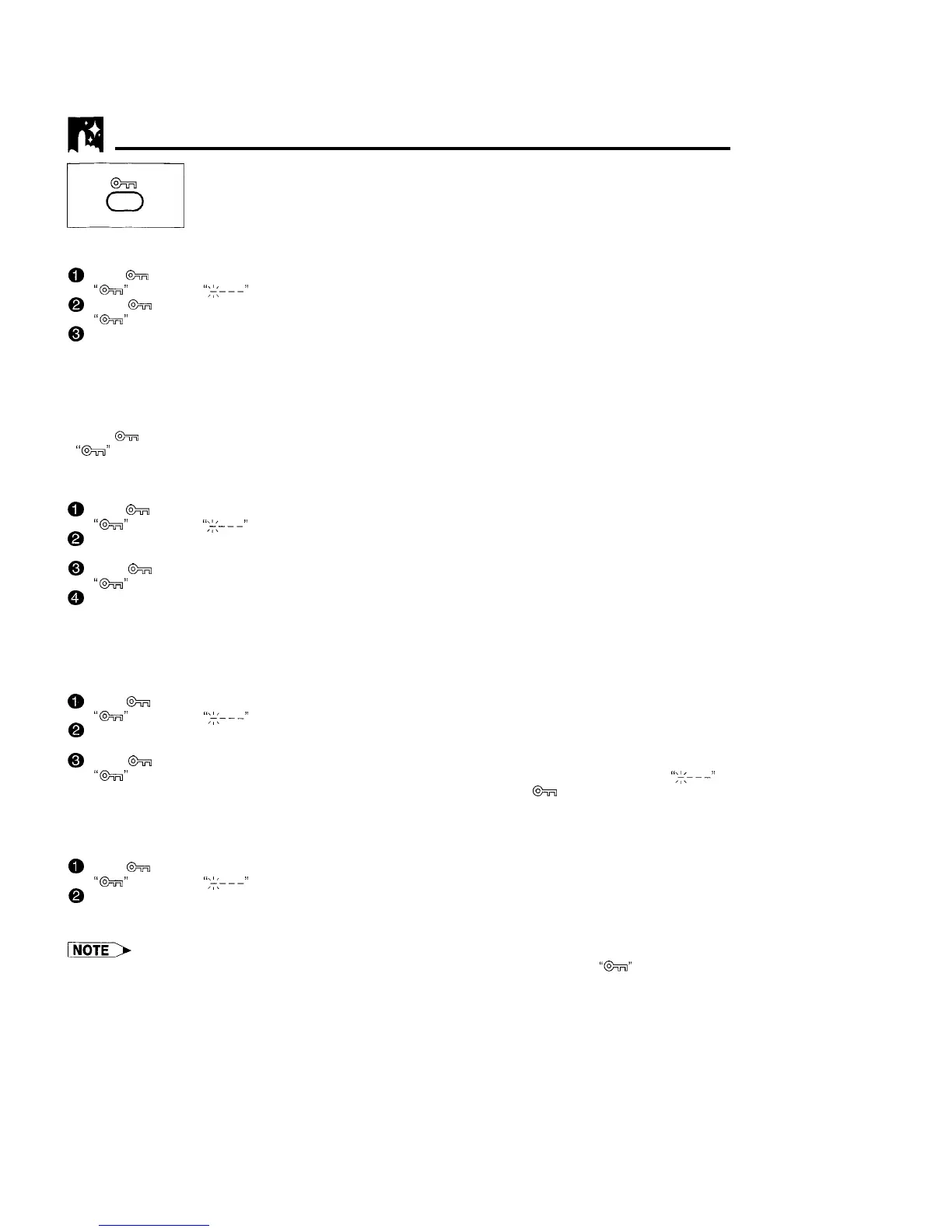
With this feature, you can lock all VCR modes to prevent accidental change.
6
This function works even when the VCR power is off, thus preventing children from
operating the VCR or viewing select programmes while you are away from home.
New Child-Proof Lock
0
Press
ti
on the remote control for about 2 seconds.
“ti”
flashes and
“:<---‘I
lights on the VCR-function display.
@
Press
ti
again.
@
‘Iti”
remains lit on the VCR display confirming that New Child-Proof Lock has been activated.
Now regardless of what other operating buttons are touched, the VCR will continue to operate in the present
mode.
(If New Child-Proof Lock is activated during playback, once the tape reaches its end, the VCR automatically
rewinds the tape, ejects it, and turns into POWER STANDBY mode.)
Disengaging New Child-Proof Lock
l Press
h
for about 2 seconds.
“ti”
starts flashing and then disappears. Now, New Child-Proof Lock is disengaged
Advanced New Child-Proof Lock
0
Press
ti
on the remote control for about 2 seconds.
“ti”
flashes and
“;<---”
lights on the VCR display.
@
Input the personal code number (4 digit code) with the numbered buttons. The personal code number you
have input is displayed on the VCR display.
0
Press
ti
again.
@
“@&’
remains lit on the VCR display confirming that New Child-Proof Lock has been activated.
Now regardless of what other operating buttons are touched, the VCR will continue to operate in the present
mode.
(If New Child-Proof Lock is activated during playback, once the tape reaches its end, the VCR automatically
rewinds the tape, ejects it, and turns into POWER STANDBY mode.)
Disengaging Advanced New Child-Proof Lock
0
Press
ti
for about 2 seconds.
“&”
flashes and
“:+---”
lights on the VCR display.
@
Input the personal code number (4 digit code) you used to activate Advanced New Child-Proof Lock with
the numbered buttons. The personal code number you have input is displayed on the VCR display.
0
Press
@ii3
again.
“6%”
disappears. Now, New Child-Proof Lock is disengaged. If the code number is wrong,
‘I:+---”
is
displayed on the VCR display. Retry to input the right code number. Press
&
again.
If you forget your personal code number, you can disengage New Child-Proof Lock
with the following procedure:
@
Press
@%I
for about 2 seconds.
“@=a”
flashes and
“:<---”
lights on the VCR display.
@
Press STANDBY on both the VCR and remote control for at least 2 seconds. New Child-Proof Lock is
disengaged.
l If, while New Child-Proof Lock is on, you attempt to change modes by pressing another button, the “@FI” indicator will flash
on the VCR display.
27



 To Next Page