Shure Incorporated
28/86
1.
2.
3.
4.
To connect to an access point network:
Power on the access point. Wait for it to automatically select the best available wireless channel for operation. When
the channel is secured, the access point will broadcast its network (SSID 00) to the wireless MXCW devices.
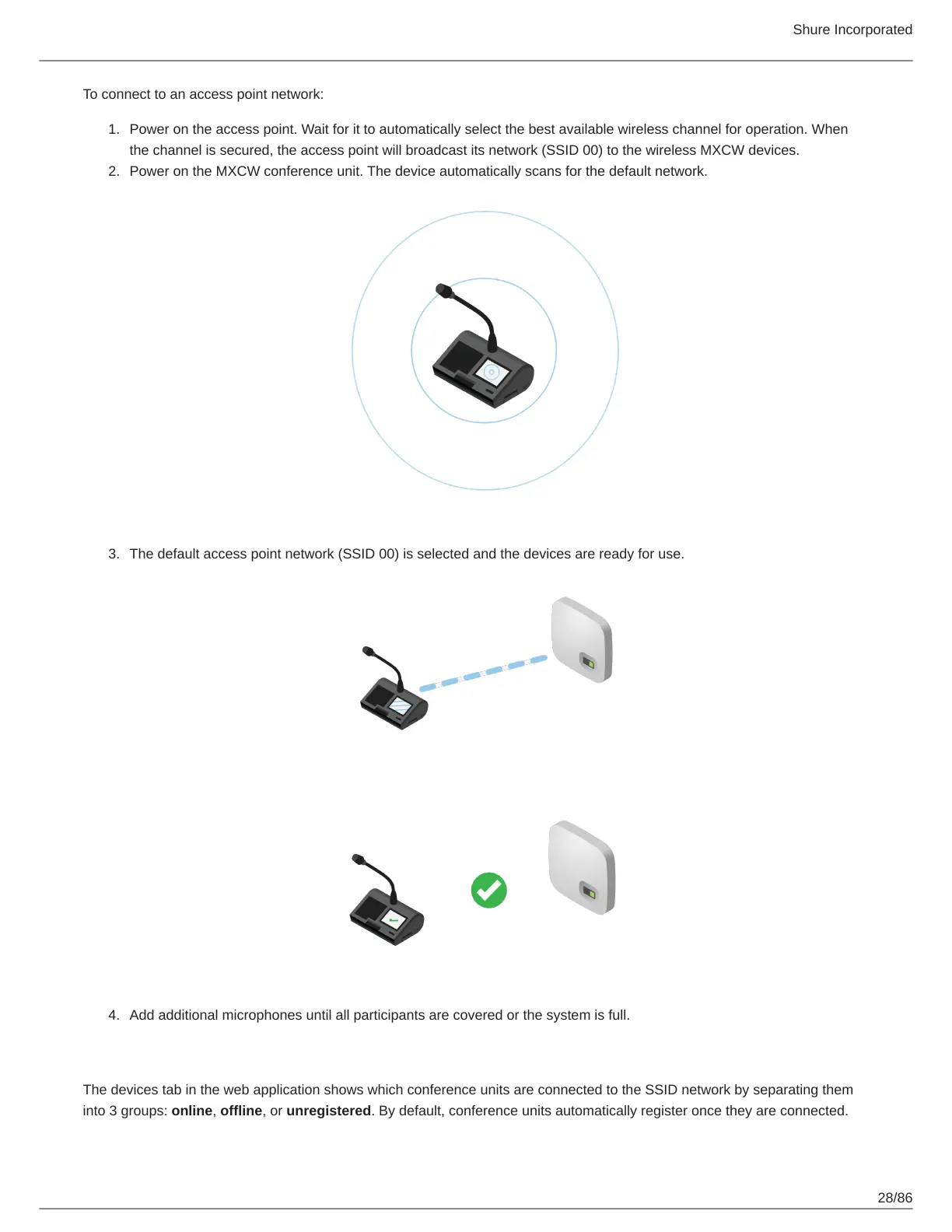
Power on the MXCW conference unit. The device automatically scans for the default network.
The default access point network (SSID 00) is selected and the devices are ready for use.
Add additional microphones until all participants are covered or the system is full.
Restricting New Device Connections
The devices tab in the web application shows which conference units are connected to the SSID network by separating them
into 3 groups: online, offline, or unregistered. By default, conference units automatically register once they are connected.













 To Next Page