Shure Incorporated
44/86
•
•
•
•
•
•
•
•
•
•
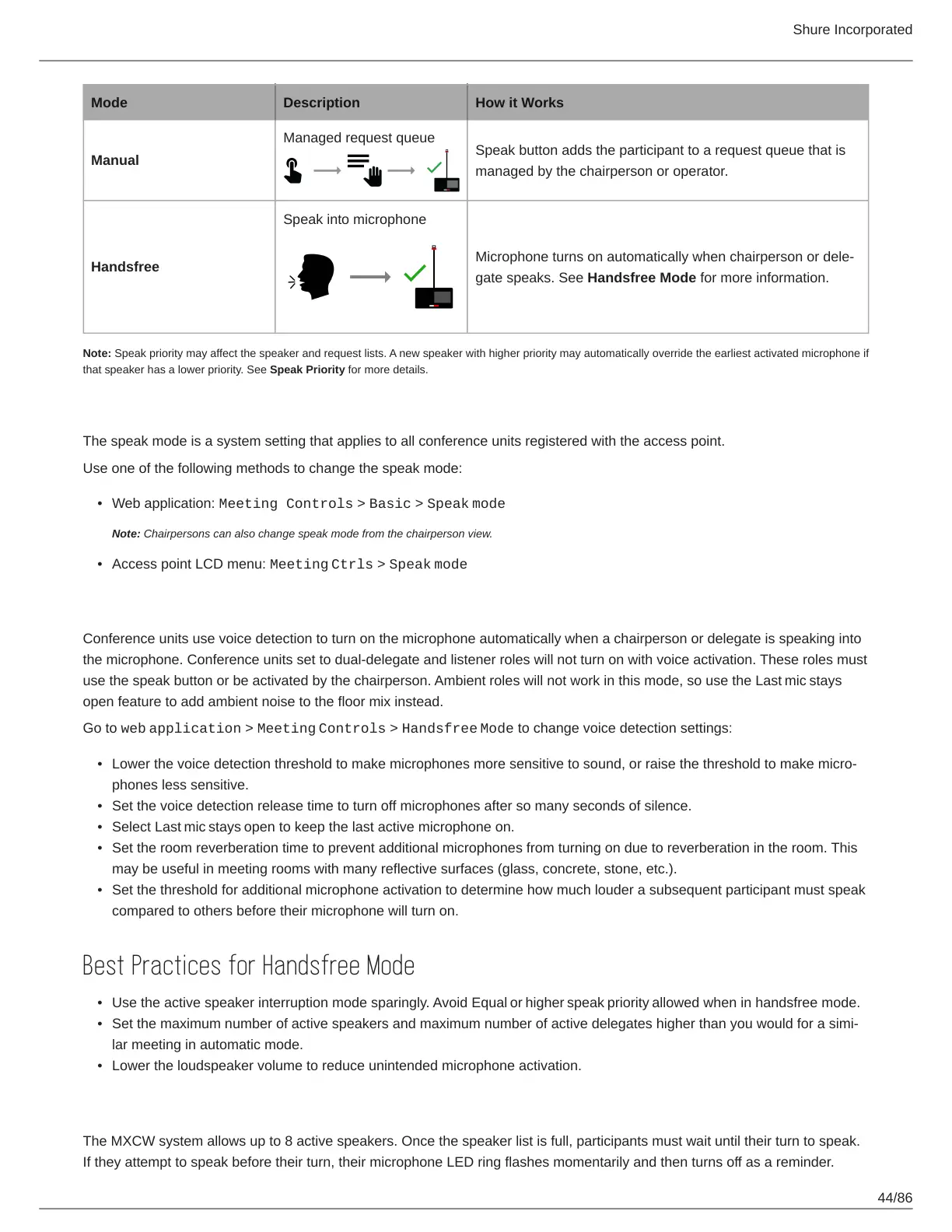
Mode Description How it Works
Manual
Managed request queue
Speak button adds the participant to a request queue that is
managed by the chairperson or operator.
Handsfree
Speak into microphone
Microphone turns on automatically when chairperson or dele
gate speaks. See Handsfree Mode for more information.
Note: Speak priority may affect the speaker and request lists. A new speaker with higher priority may automatically override the earliest activated microphone if
that speaker has a lower priority. See Speak Priority for more details.
Changing the Speak Mode
The speak mode is a system setting that applies to all conference units registered with the access point.
Use one of the following methods to change the speak mode:
Web application: Meeting Controls > Basic > Speak mode
Note: Chairpersons can also change speak mode from the chairperson view.
Access point LCD menu: Meeting Ctrls > Speak mode
Handsfree Mode
Conference units use voice detection to turn on the microphone automatically when a chairperson or delegate is speaking into
the microphone. Conference units set to dual-delegate and listener roles will not turn on with voice activation. These roles must
use the speak button or be activated by the chairperson. Ambient roles will not work in this mode, so use the Last mic stays
open feature to add ambient noise to the floor mix instead.
Go to web application > Meeting Controls > Handsfree Mode to change voice detection settings:
Lower the voice detection threshold to make microphones more sensitive to sound, or raise the threshold to make micro
phones less sensitive.
Set the voice detection release time to turn off microphones after so many seconds of silence.
Select Last mic stays open to keep the last active microphone on.
Set the room reverberation time to prevent additional microphones from turning on due to reverberation in the room. This
may be useful in meeting rooms with many reflective surfaces (glass, concrete, stone, etc.).
Set the threshold for additional microphone activation to determine how much louder a subsequent participant must speak
compared to others before their microphone will turn on.
Best Practices for Handsfree Mode
Use the active speaker interruption mode sparingly. Avoid Equal or higher speak priority allowed when in handsfree mode.
Set the maximum number of active speakers and maximum number of active delegates higher than you would for a simi
lar meeting in automatic mode.
Lower the loudspeaker volume to reduce unintended microphone activation.
Setting the Number of Active Speakers
The MXCW system allows up to 8 active speakers. Once the speaker list is full, participants must wait until their turn to speak.
If they attempt to speak before their turn, their microphone LED ring flashes momentarily and then turns off as a reminder.













 To Next Page