Shure Incorporated
51/86
1.
2.
3.
4.
For example, a chairperson's conference unit can be recorded but kept private (taken out of the floor mix). Remove it from the
floor mix and route it to another group that is connected to a recording system for archival purposes.
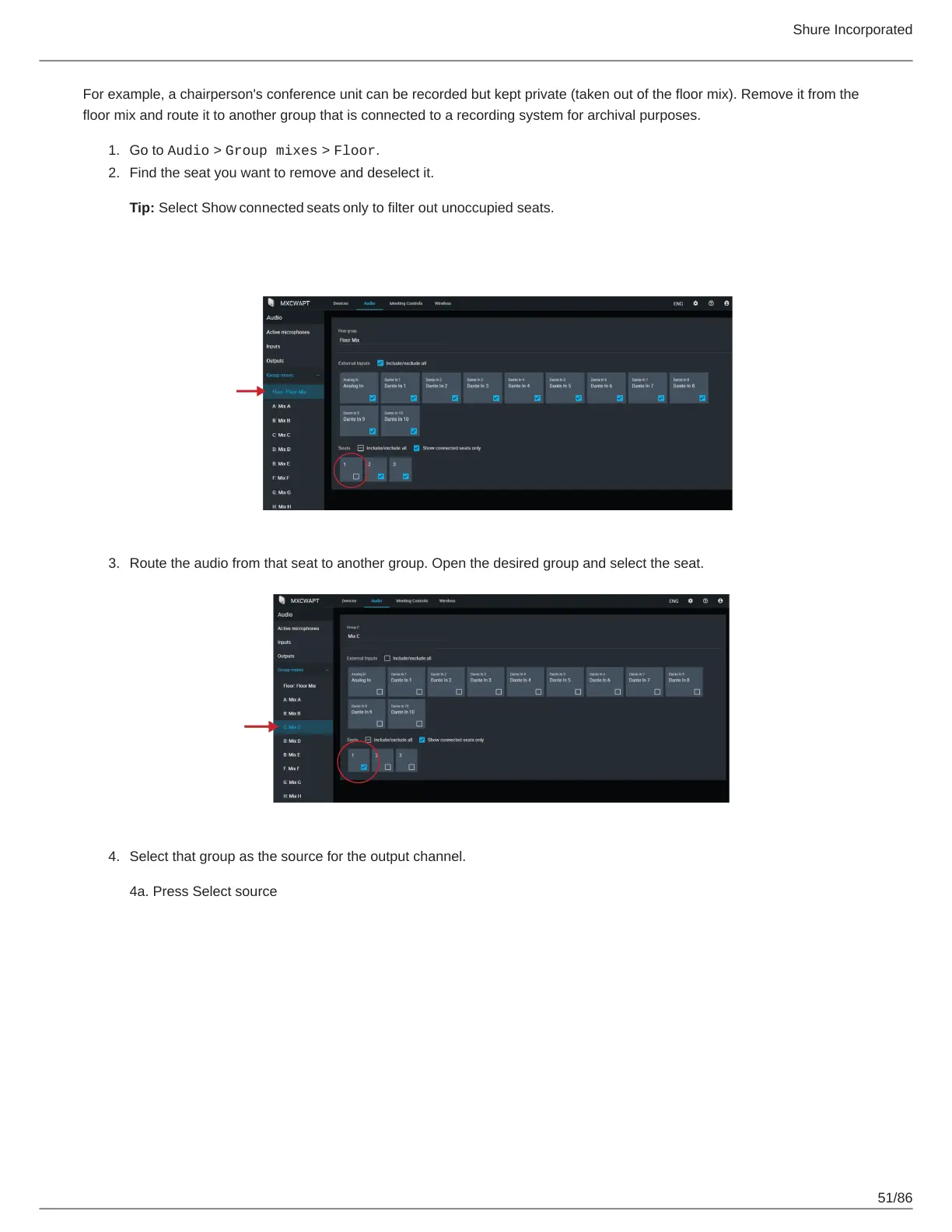
Go to Audio > Group mixes > Floor.
Find the seat you want to remove and deselect it.
Tip: Select Show connected seats only to filter out unoccupied seats.
Route the audio from that seat to another group. Open the desired group and select the seat.
Select that group as the source for the output channel.
4a. Press Select source













 To Next Page