656 234 2010-11-22| Sicam srl società unipersonale
Commissioning | SBM V655 | 31 en
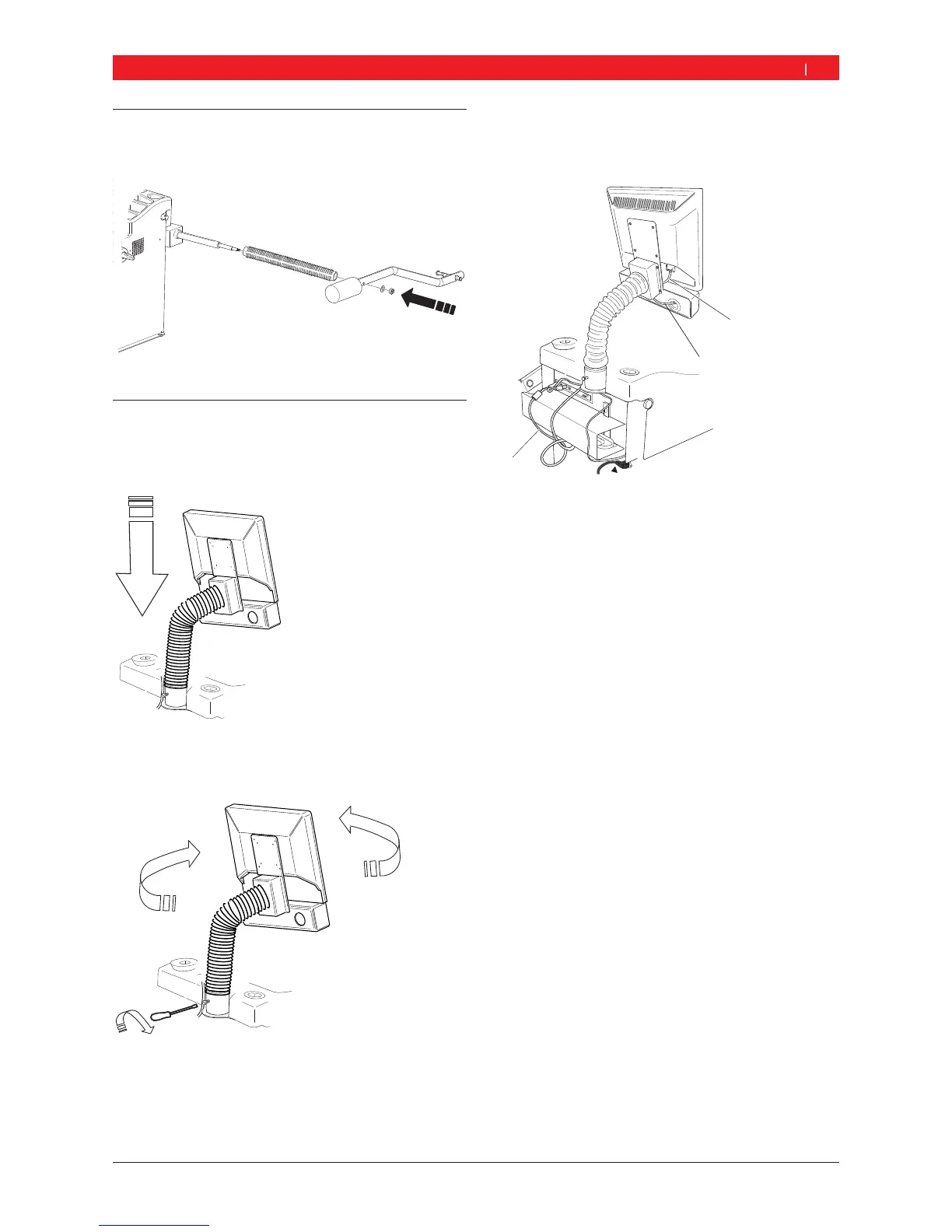
4.4 Fitting gauge arm
Fit the gauge arm as shown.
651001-09_Sr
4.5 Fixing the monitor in position and
connection
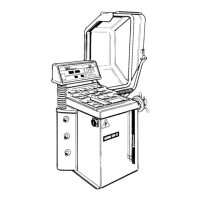
1. Lower the monitor column completely into the
socket provided behind the weight pockets.
2. Turn the monitor to the desired position and fix the
column in position with the bolt.
3. Connect the monitor VGA connecting cable (Item 1)
to the interface connection on the back of the
SBM V655 and secure.
1
2
3
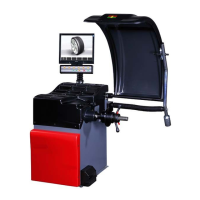
Fig. 2: Connecting the monitor and keypad to the SBM V655
1 Monitor VGA connecting cable
2 Monitor power cord
3 Function and control connecting cable
4. Connect the monitor and the SBM V655 to the moni-
tor power cord (Item 2).
5. Connect the function and control connecting cable
(Item 3) to the keypad connection on the back of the
SBM V655 and secure


 To Next Page