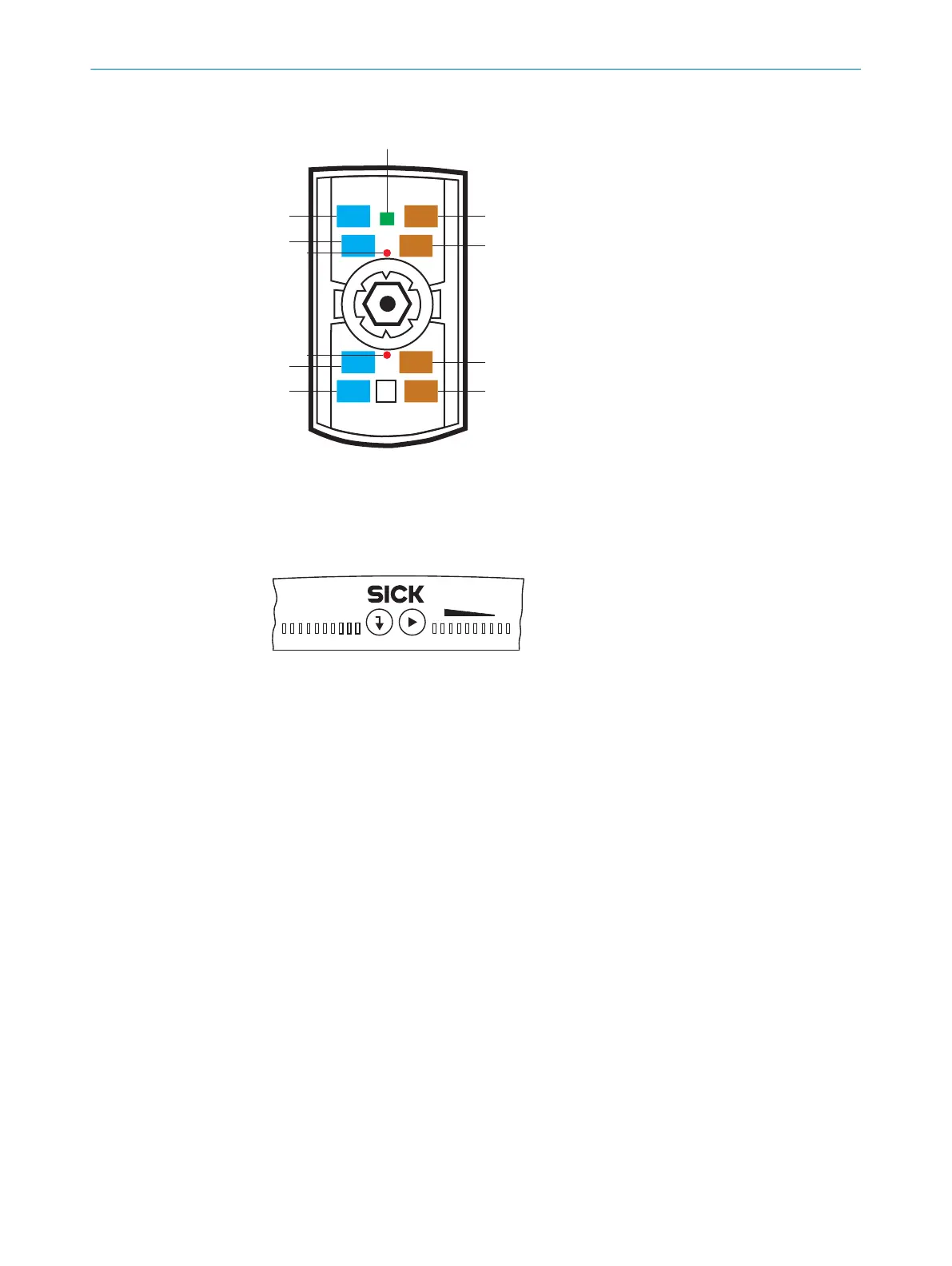
Illumination unit (integrated)
1
8 integrated illumination LEDs (color: 4 visible amber light, 4 visible blue light)
2
2 LED alignment aids, can be deactivated (color: visible red light)
3
Feedback LED (color: visible green light)
3.4.5 Status indicators and functions
0%
100%
Ready
Result
FB|ERR|MS
|Tst
|Tch
|Usr
|A-S
SF|RUN|NS
L/A P1 FB
L/A P2 FB
L/A P1 GbE
L/A P3 GbE
Funct
Light
1
2
1
Return pushbutton
2
Arrow pushbutton (not used)
Status indicators are only used to indicate that the PLOC2D system is powered on.
3.4.6 Field of view diagrams
The diagrams show the dimensions of the field of view for a certain working distance
and lens focal length.
3 PRODUCT DESCRIPTION
16
O P E R A T I N G I N S T R U C T I O N S | PLOC2D 4.1 8020736/1K3Z/2023-06 | SICK
Subject to change without notice



 To Next Page