12
First Steps
Gigaset WLAN Repeater 108 / englisch / A31008-M1030-B101-3x-7619 / first_steps.fm / 06.11.2008
Template 2005_05_02
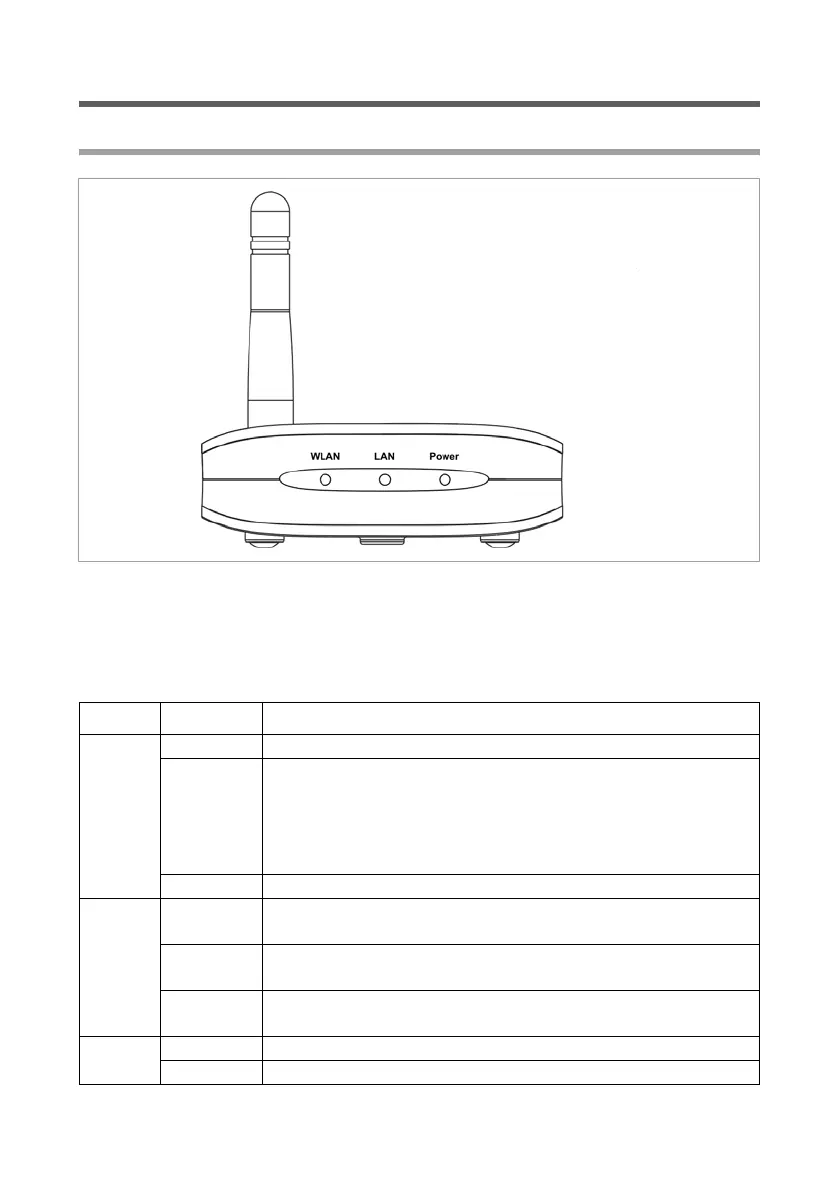
Operating displays and connections
Front panel
LED displays
The front panel of the Gigaset WLAN Repeater 108 contains LED displays that show the
operating state and simplify installation and fault finding in the network.
The LED's show the following:
LED State Status
WLAN
On There is a wireless connection to the local network.
Flashing
u The Gigaset WLAN Repeater 108 is sending or receiving
data on its WLAN interface.
u New firmware is being loaded on the Gigaset WLAN
Repeater 108 or the Gigaset WLAN Repeater 108 is
rebooting.
Off The WLAN interface is not active.
LAN
On
There is a connection to the local network via the Ethernet
cable.
Flashing
The Gigaset WLAN Repeater 108 is sending or receiving data
via the Ethernet cable.
Off
There is no connection to the local network via the Ethernet
cable.
Power
On The Gigaset WLAN Repeater 108 has been powered up.
Off The Gigaset WLAN Repeater 108 has been powered down.














 To Next Page