32
Basic Setup Wizard
Gigaset WLAN Repeater 108 / englisch / A31008-M1030-B101-3x-7619 / basic_config.fm / 06.11.2008
Template 2005_05_02
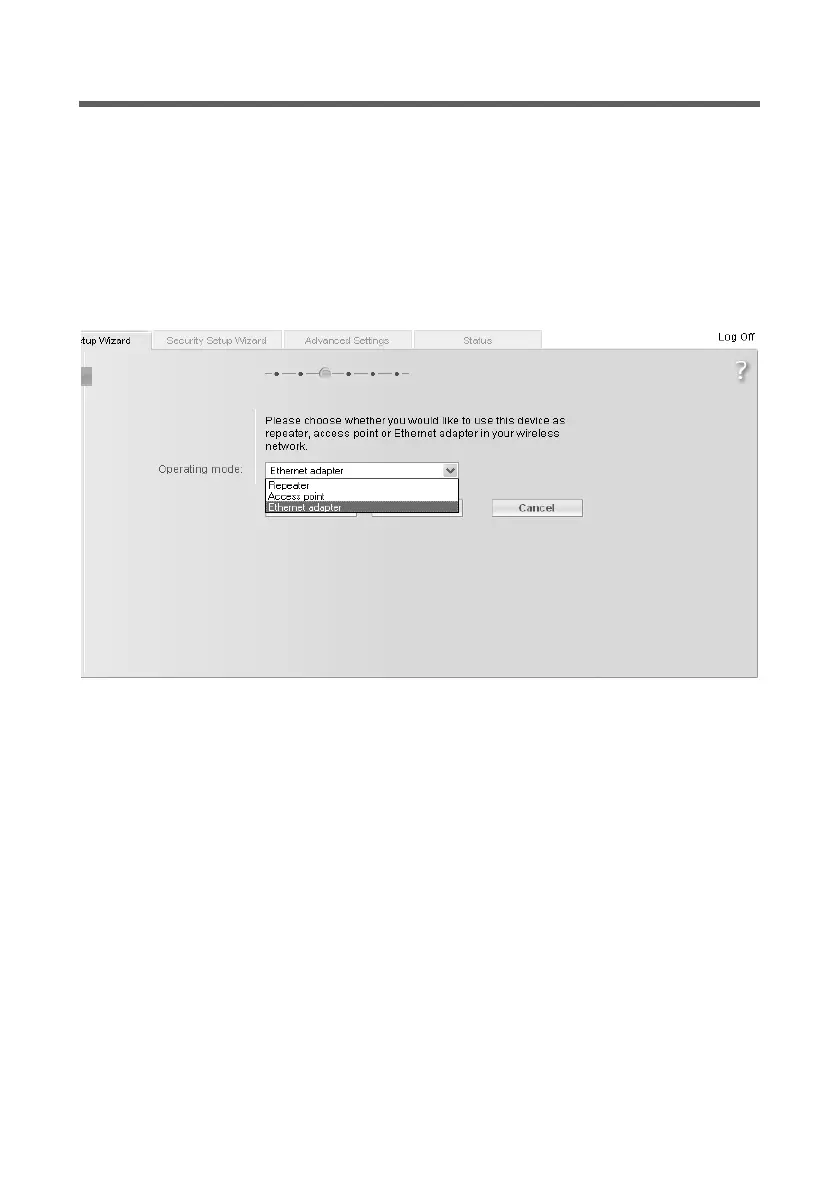
Basic settings in Ethernet adapter Operating Mode
In Ethernet adapter Operating Mode the Gigaset WLAN Repeater 108 works as a wire-
less network adaptor. It is connected directly to the Ethernet port of a computer, games
console, a set-top box, or other network-enabled device.
ì Before you make the basic and security settings for operating the Gigaset WLAN
Repeater 108 as a network adapter, you should first cancel the configuration pro-
gram and connect the device directly with the PC via an Ethernet cable.
ì Restart the browser, log back into the configuration program (see page 18) and in
the Basic Setup Wizard go to the Operating Mode window.
ì Click on the selection menu and select Ethernet adapter.
ì Click on Next >.














 To Next Page