37
Security Setup Wizard
Gigaset WLAN Repeater 108 / englisch / A31008-M1030-B101-3x-7619 / security_config.fm / 06.11.2008
Template 2005_05_02
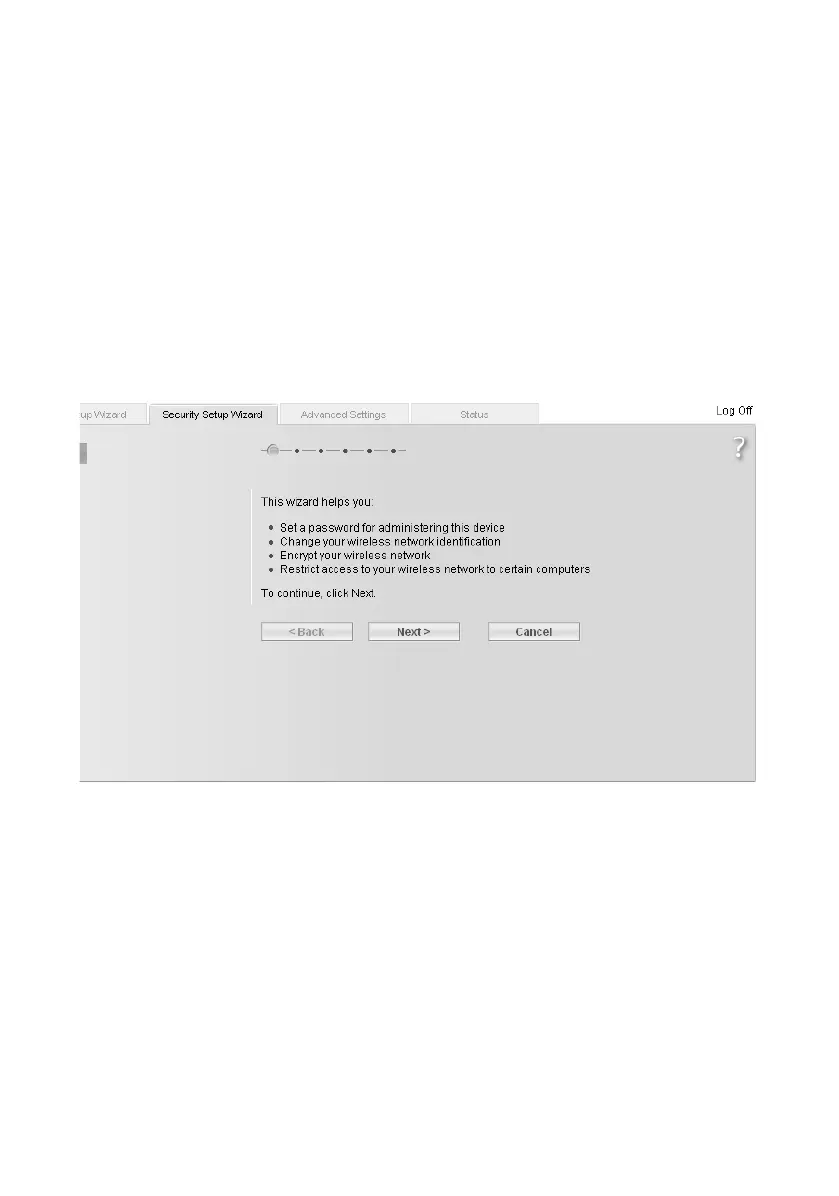
Security Setup Wizard
You can provide comprehensive protection for your Gigaset WLAN Repeater 108 and the
connected PCs against unauthorised access within your local network and from outside
from the Internet. The Security Setup Wizard offers the following functions:
u Changing the SSID of your wireless network (only for Repeater and access point
operating modes, see page 39)
u Setting the encryption of your wireless network (see page 40)
u Restricting the access certain PCs have to your wireless network (only for Repeater
and access point operating modes, see page 44)
When you configure the Gigaset WLAN Repeater 108 for the first time, you should fol-
low the Security Setup Wizard user interface step by step. You will find further options
in the Advanced Settings menu (see page 49).
Now click on Next >.














 To Next Page