87
Appendix
Gigaset WLAN Repeater 108 / englisch / A31008-M1030-B101-3x-7619 / appendix.fm / 06.11.2008
Template 2005_05_02
Windows 2000
Install the TCP/IP protocol
ì Select Start – Settings – Control Panel.
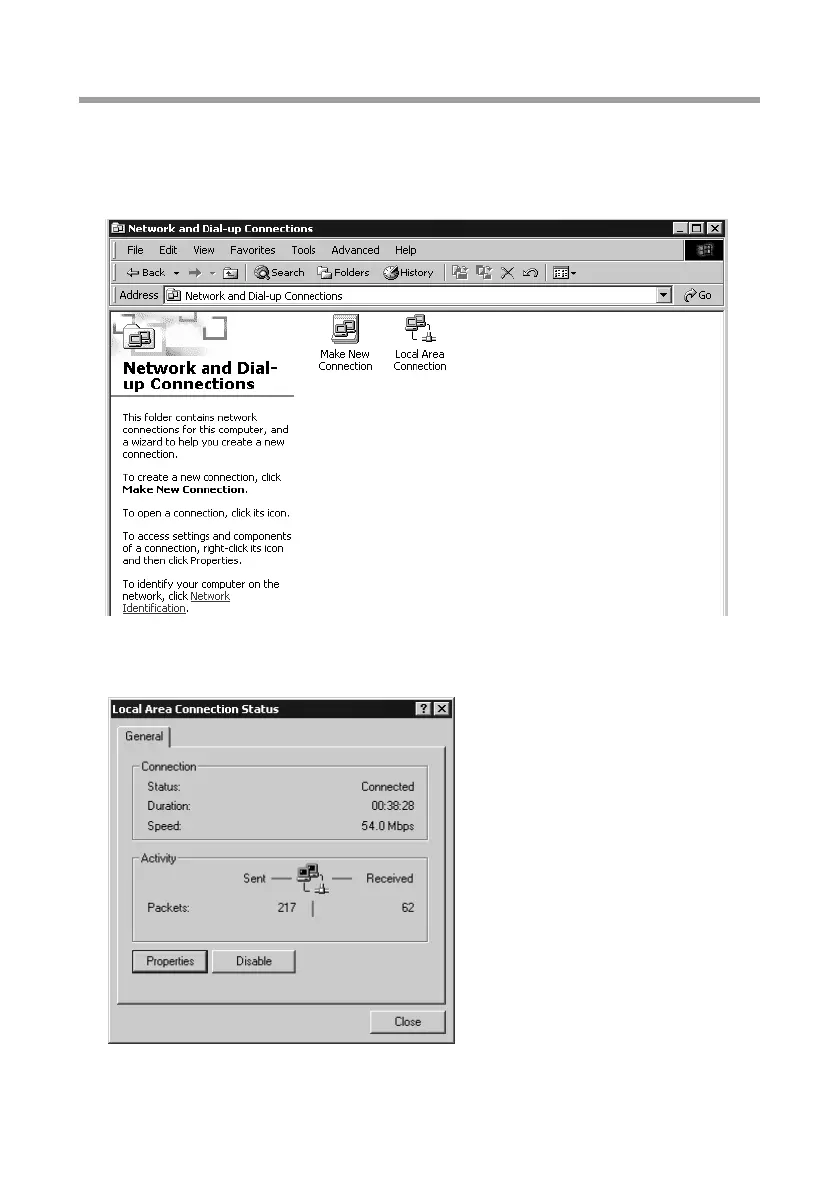
ì Double-click on the Network and Dial-up Connections icon.
ì In the Network and Dial-up Connections window, double-click on the icon of the
LAN Connection you use for connecting to the Gigaset WLAN Repeater 108.
ì Click on Properties.
ì In the next window click on Properties again.














 To Next Page