74
Status information
Gigaset WLAN Repeater 108 / englisch / A31008-M1030-B101-3x-7619 / admin.fm / 06.11.2008
Template 2005_05_02
Status information
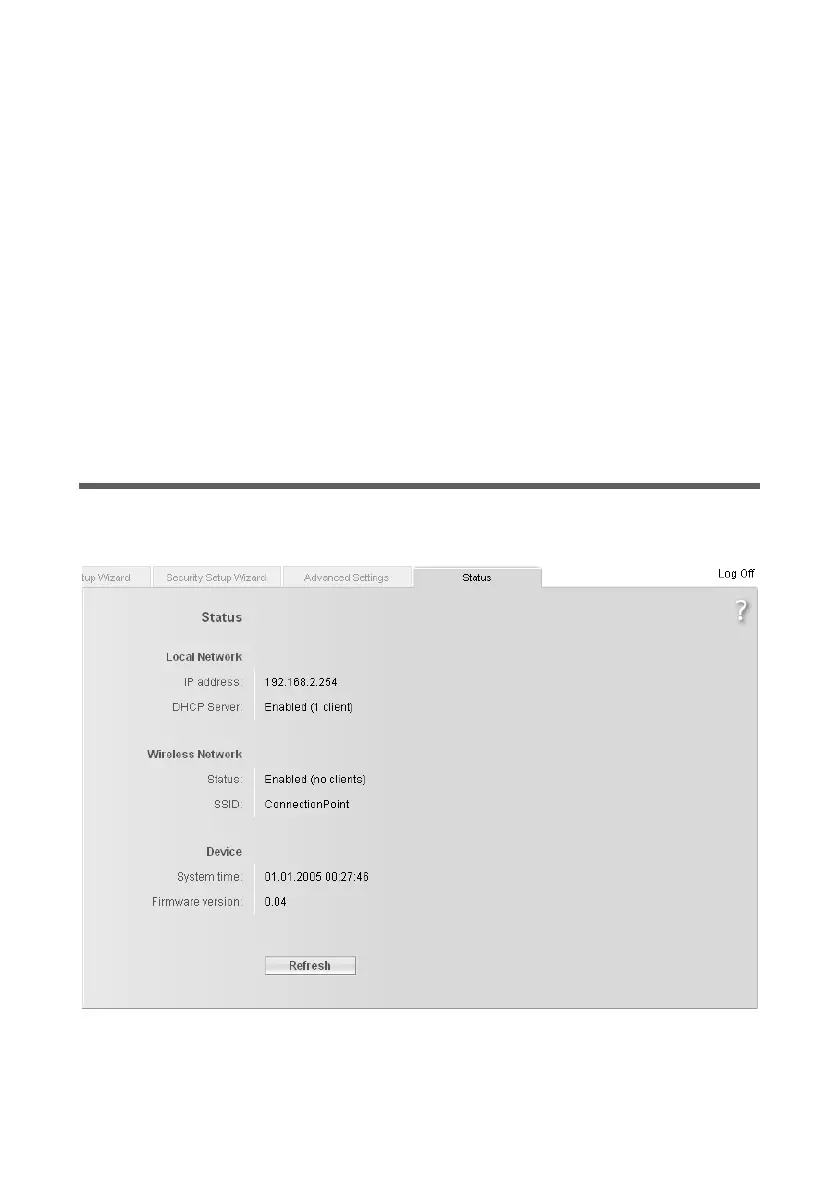
You can view information about the configuration and status of the Gigaset WLAN
Repeater 108 in the Status menu of the Gigaset WLAN Repeater 108. On the first screen
you will see an overview of the status of the local and wireless network, and of the
device.
For detailed information you can view the following status screens:
u Security
u Local Network
u Wireless Network
u Device
To display a status screen, proceed as follows:
ì Select Status on the start screen.
ì Select the entry with the information you require.
Overview
On the first screen you are given an overview of the current operating status and most
important data for your device.














 To Next Page