38
Security Setup Wizard
Gigaset WLAN Repeater 108 / englisch / A31008-M1030-B101-3x-7619 / security_config.fm / 06.11.2008
Template 2005_05_02
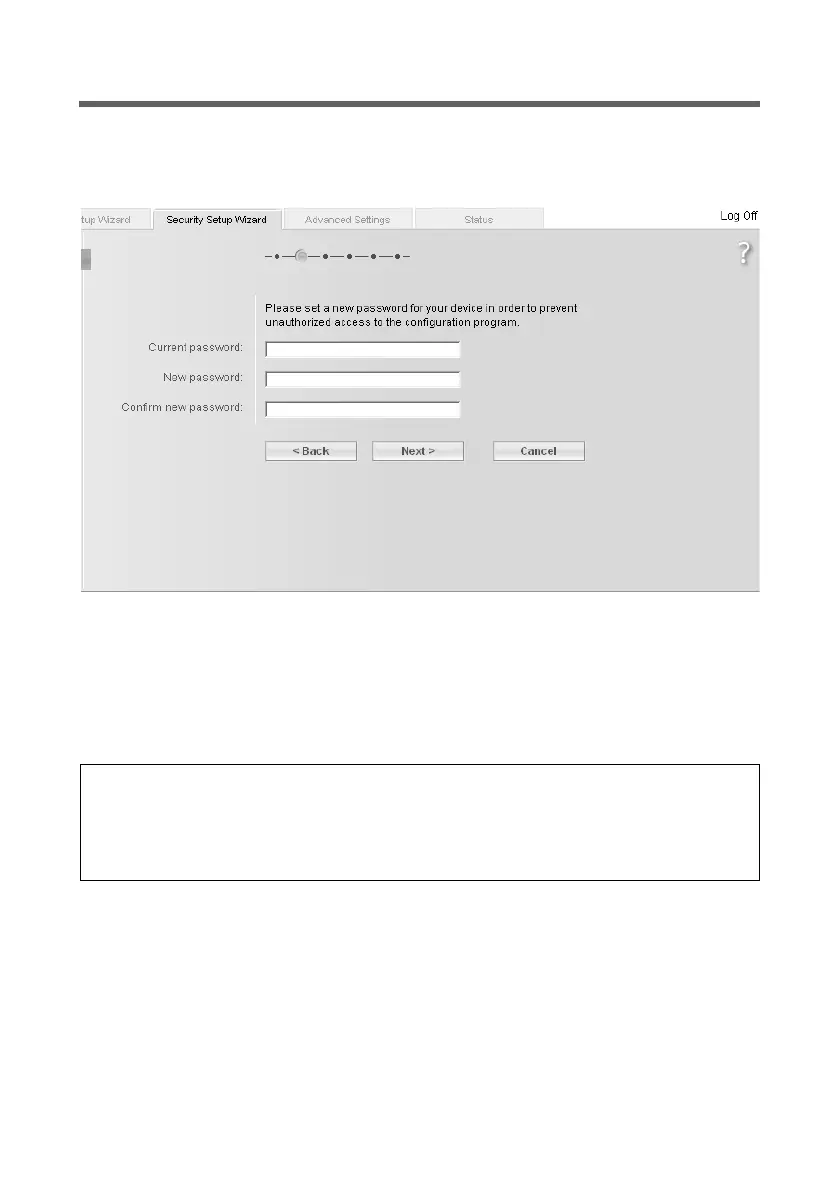
Changing the system password
The configuration of your Gigaset WLAN Repeater 108 is secured with the default pass-
word admin. To prevent unauthorised changes to the configuration, you should change
the password.
ì Enter the current password in the Current password field. The default password is
admin.
Enter a new password in the New password field and repeat it in the field underneath.
The password may contain up to 20 characters. The password is case sensitive. Avoid
proper names and words that are too obvious. Use a combination of letters, numbers
and special characters.
ì Click on Next >.
Please remember:
If you ever forget the password, you will have to reset your Gigaset WLAN Repeater
108 to the factory settings using the reset button (see page 13). Please bear in mind
that this will restore all the settings to the factory configuration. The password is reset
to the default setting admin.














 To Next Page