48
Configuring the Advanced Settings
Gigaset WLAN Repeater 108 / englisch / A31008-M1030-B101-3x-7619 / advanced_config.fm / 06.11.2008
Template 2005_05_02
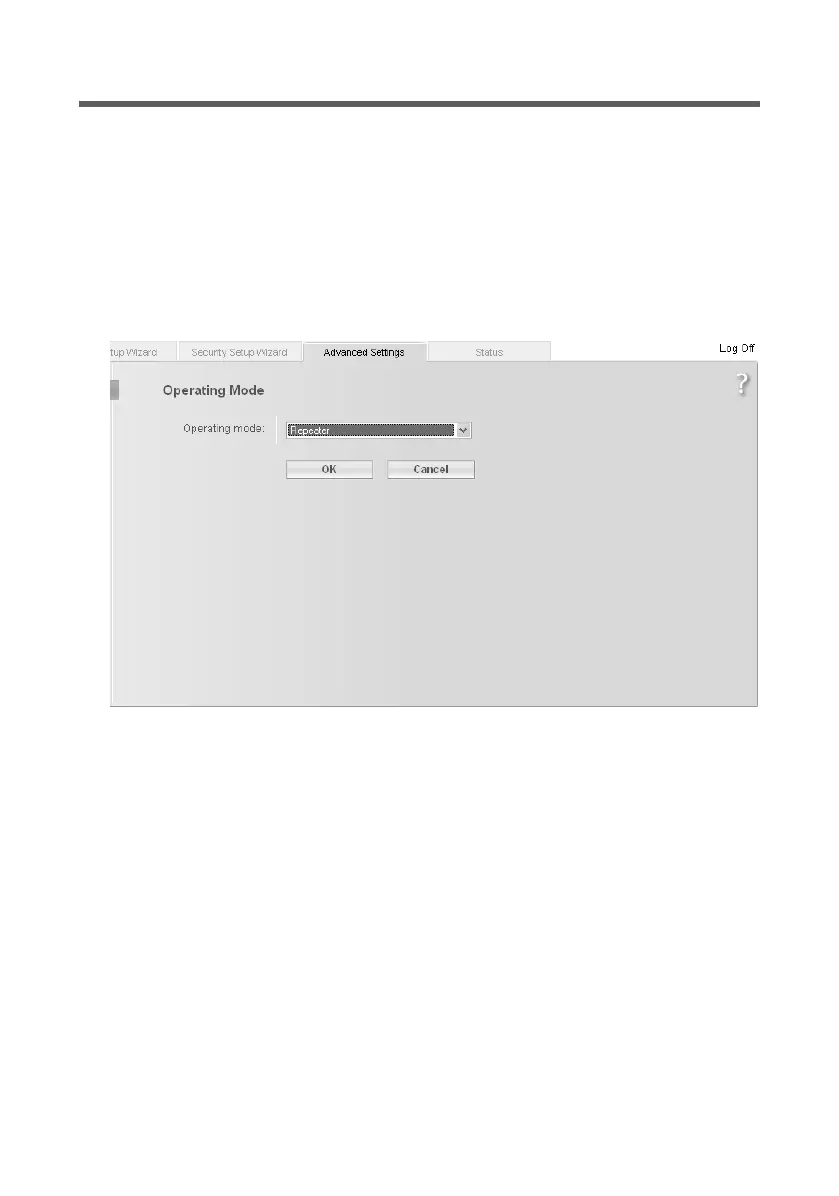
Operating Mode
You can operate the Gigaset WLAN Repeater 108 in the following operating modes:
u Repeater
u Access point
u Ethernet adapter
In the factory setting, the Gigaset WLAN Repeater 108 is configured as a repeater. You
can find more information about the operating modes in the section on "Possible uses"
on page 7.
ì On the Advanced Settings page, select Operating Mode.
ì From the selection menu, choose the Operating Mode you want to use.
ì Click on OK.
You are now prompted to confirm the restarting of the device. Restarting can take up to
two minutes.














 To Next Page