90
Appendix
Gigaset WLAN Repeater 108 / englisch / A31008-M1030-B101-3x-7619 / appendix.fm / 06.11.2008
Template 2005_05_02
Windows 98 SE/ME
Installing the TCP/IP protocol
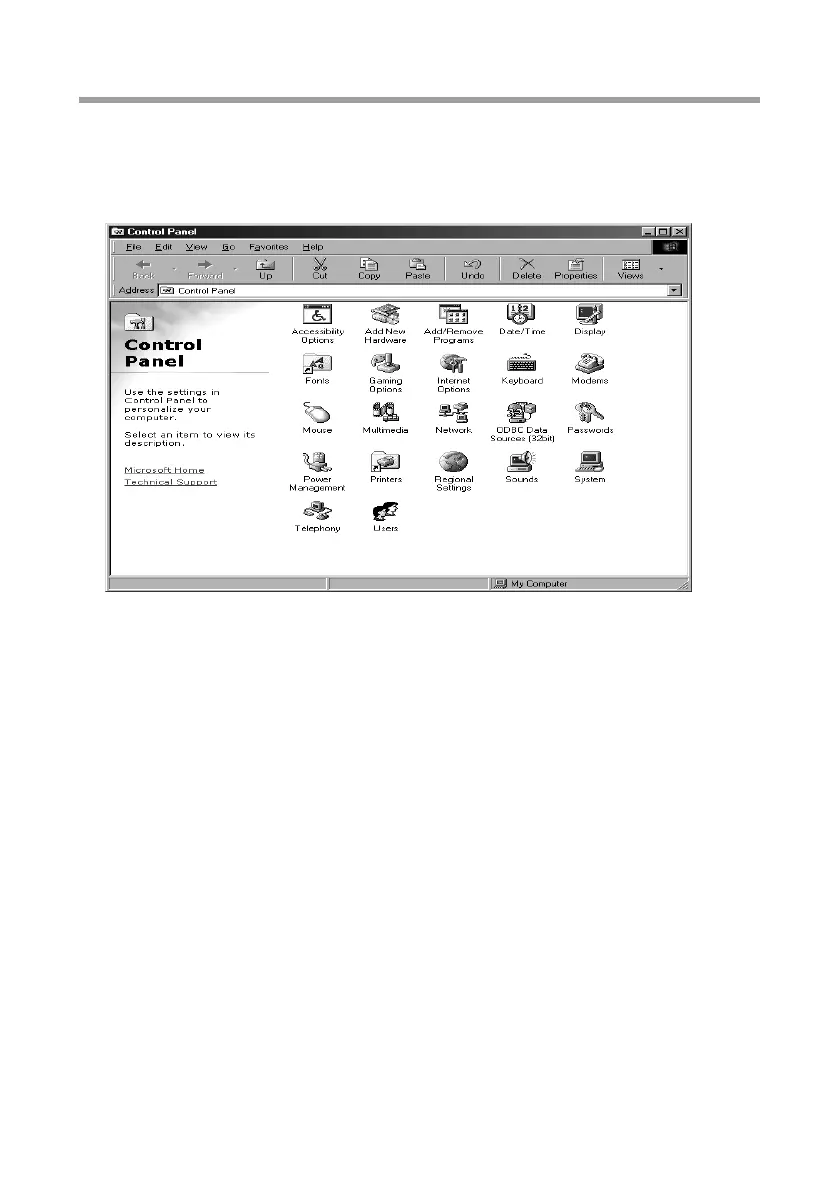
ì Select Start – Settings – Control Panel.
This opens the Windows control panel.
ì Double-click on the Network icon.
ì In the next window, select the name of the network adapter you use to set up the
connection between your PC and the Gigaset WLAN Repeater 108.














 To Next Page