66
Administration
Gigaset WLAN Repeater 108 / englisch / A31008-M1030-B101-3x-7619 / admin.fm / 06.11.2008
Template 2005_05_02
Administration
The Gigaset WLAN Repeater 108 user interface includes several helpful functions for
administration. You can
u make regional settings (see page 66),
u change the system password (see page 68),
u save, and if necessary restore, configuration data (see page 69),
u reset the Gigaset WLAN Repeater 108 to the factory settings (see page 70),
u restart the device (see page 70),
u update the firmware (see page 71),
u make the settings for the system log (see page 73),
u view information about the configuration and status of the Gigaset WLAN Repeater
108 (see page 74).
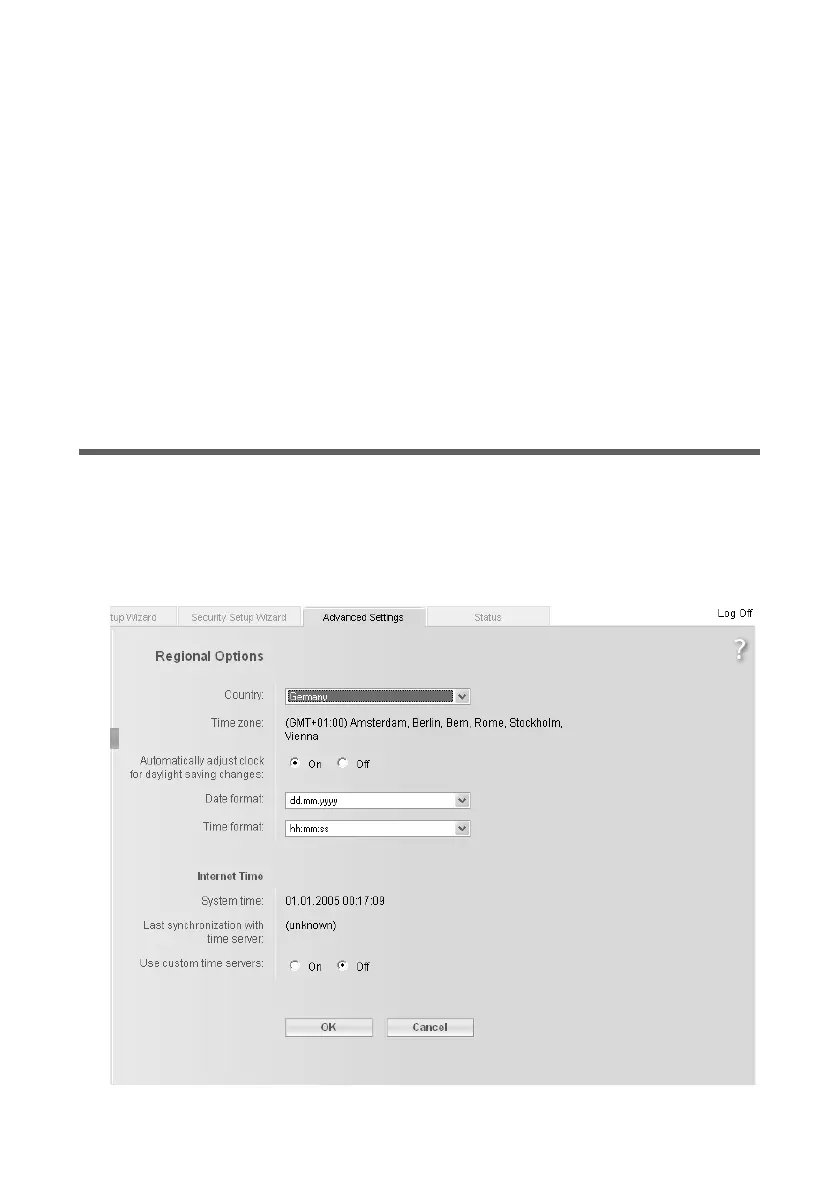
Regional Options
To operate your Gigaset WLAN Repeater 108, you can select the location, time zone and
format for entering the date and time, and you can also configure a time server for the
Internet time.
ì In the Advanced Settings – Administration menu, select the entry
Regional Options.














 To Next Page