31
Basic Setup Wizard
Gigaset WLAN Repeater 108 / englisch / A31008-M1030-B101-3x-7619 / basic_config.fm / 06.11.2008
Template 2005_05_02
This opens the screen for completing the basic settings.
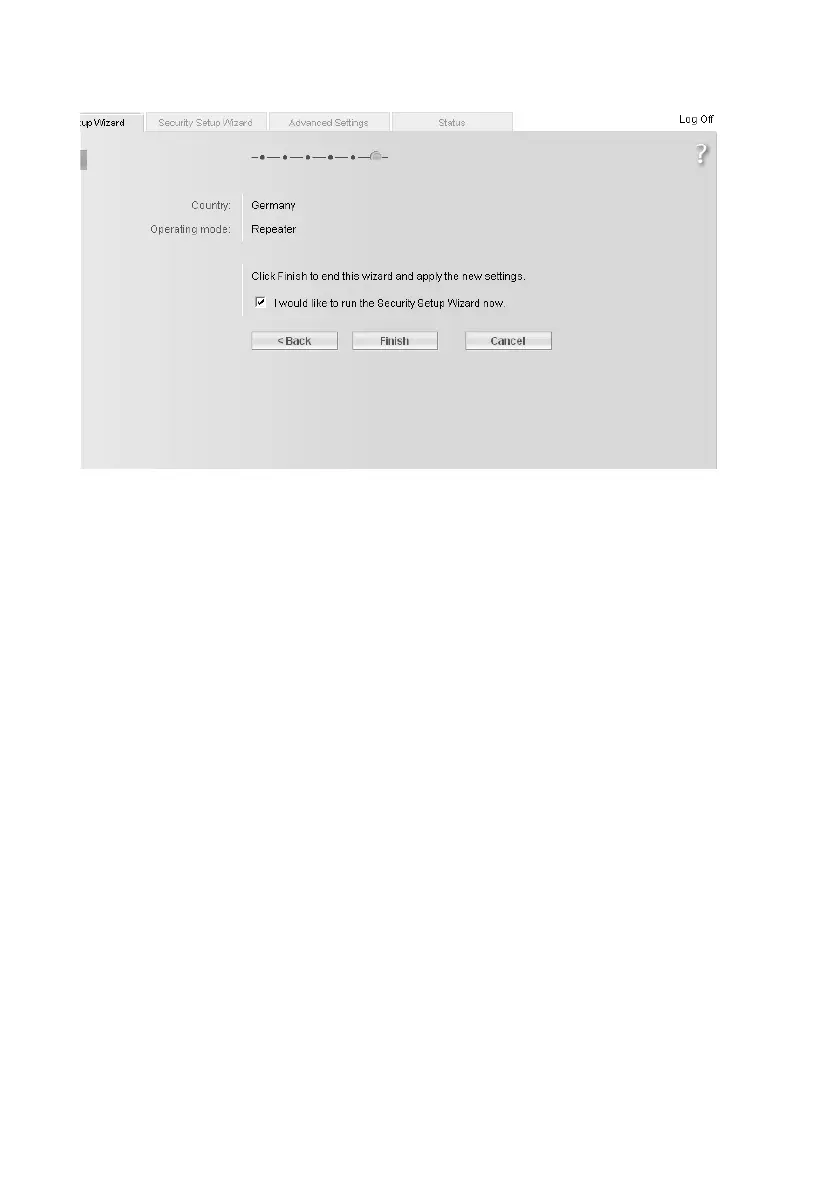
You should now make the settings for network security.
ì Click on Finish. The basic settings you have made are saved.
ì You are taken to the Security Setup Wizard, which is described from page 37
onwards.
ì If you want to make the security settings later, you can deactivate the relevant
option and then click on Finish.
If you have changed the default settings, the device is restarted.














 To Next Page