35
Basic Setup Wizard
Gigaset WLAN Repeater 108 / englisch / A31008-M1030-B101-3x-7619 / basic_config.fm / 06.11.2008
Template 2005_05_02
ì Click on Next >.
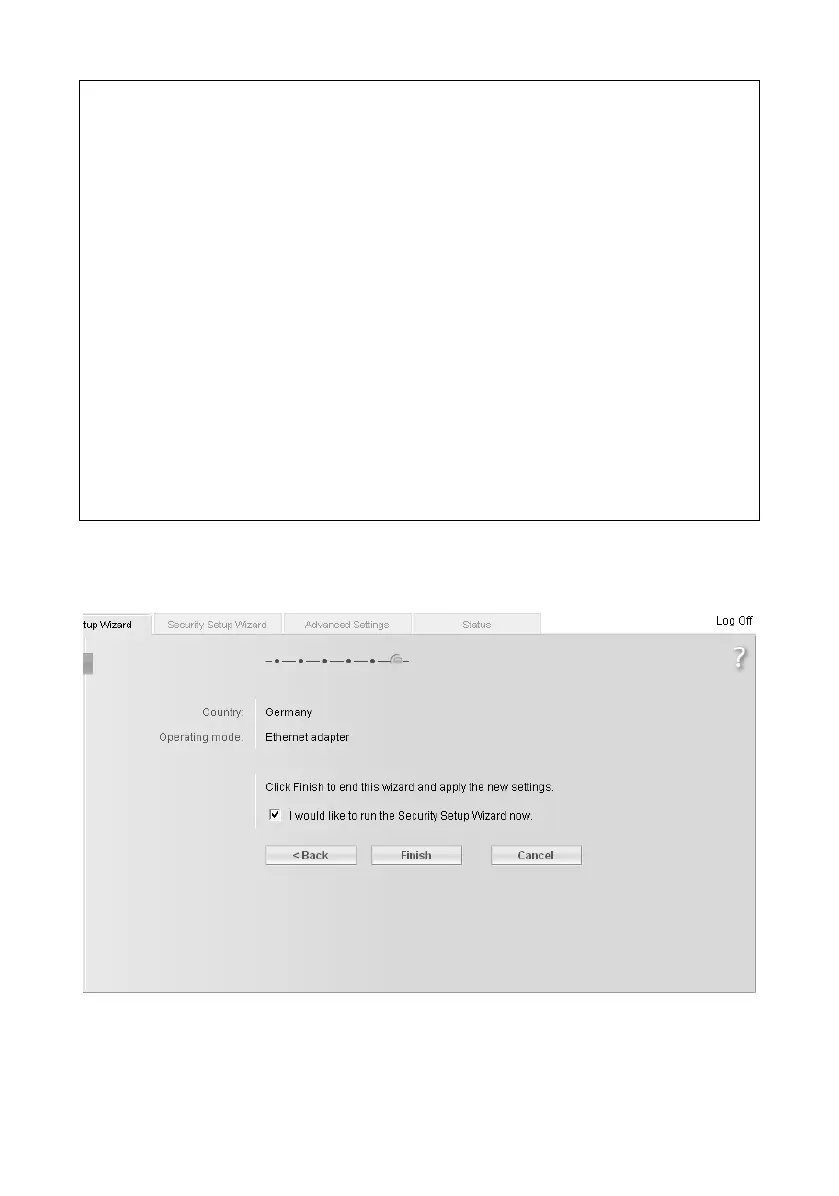
This opens the screen for completing the basic settings.
Please note:
u We recommend using only one DHCP server in the network. If you are already
using a DHCP server in your network, you should switch off the DCHP server on
your Gigaset WLAN Repeater 108.
u You may be able to obtain information about the currently assigned IP address
from the logbook of the DHCP server from which your Gigaset WLAN Repeater 108
obtains its IP address. To do this, you may need the MAC address of your
Gigaset WLAN Repeater 108, which you can find on the label on the underside
of the device. Then enter the IP address shown in the logbook in the browser's
address line to launch the configuration program. If you still cannot open the
configuration program using this method, you will have to reset your
Gigaset WLAN Repeater 108 to the factory settings by using the reset button
(see page 13). Your device will now have the old IP address 192.168.2.254
again and the DHCP server is activated.
u Make sure that you adjust the IP configuration of your Gigaset WLAN Repeater 108
as well as that of the connected devices (PC, games console etc.) to the configu-
ration of the other participants in your networks or of your communication part-
ner, for example a valid IP address (that differs from the already assigned
addresses) and the appropriate subnet mask.














 To Next Page