EasyManua.ls Logo

Siemens Simatic IPC527G - Status Displays

Siemens Simatic IPC527G
123 pages
Print Icon
To Next Page IconTo Next Page
To Previous Page IconTo Previous Page
Loading...
Overview
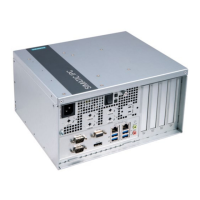
1.2 Structure of the devices
SIMATIC IPC527G
12 Operating Instructions, 03/2019, A5E45491226-AA
①
100
-240 VAC X80
Power supply connection
②
DIO X10
DIO port
③
COM3/4 X32/X33
Serial interface, 9
-pin RS232
④
Power button
Switch of the power supply
⑤
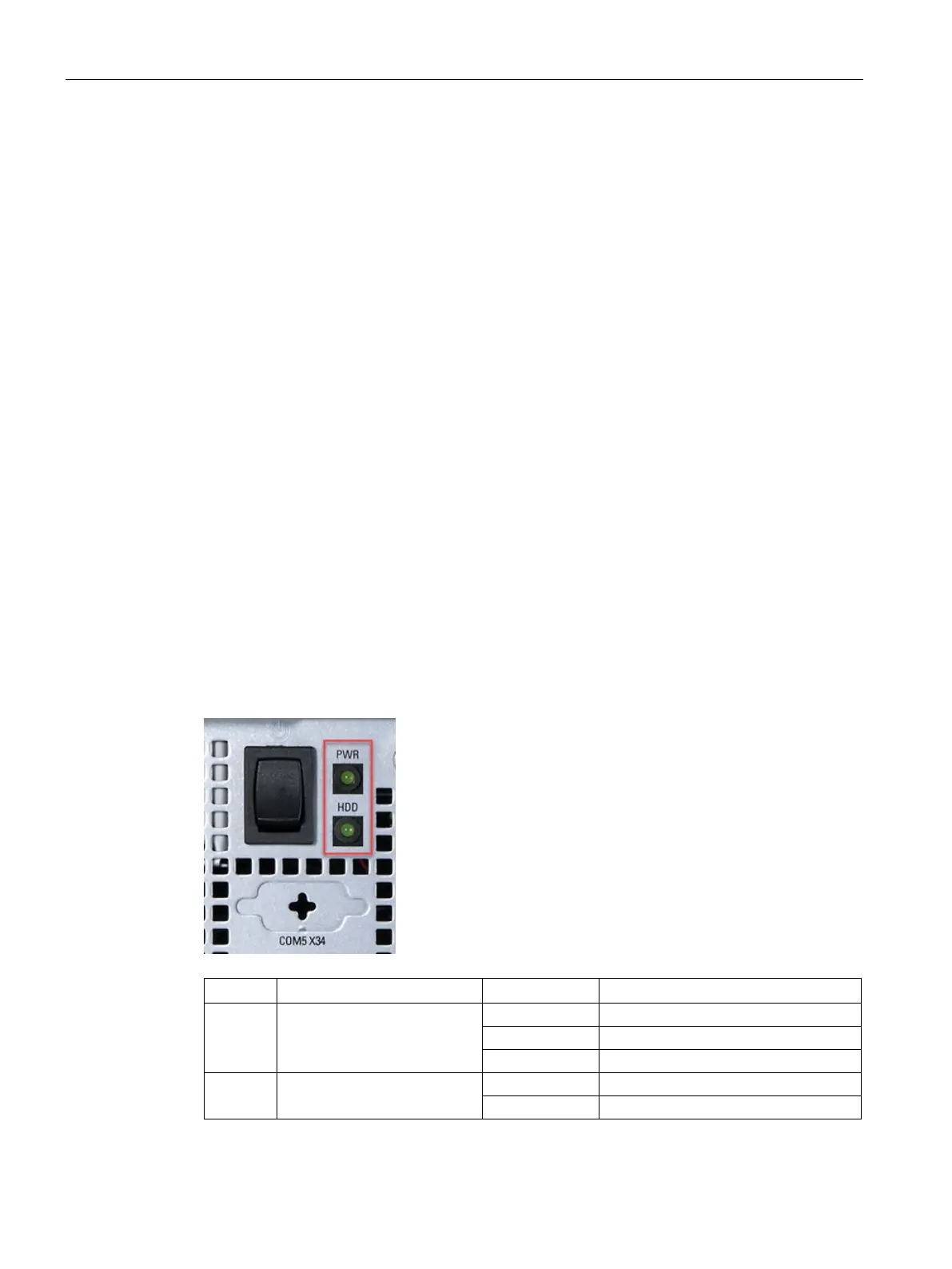
HDD LED
Display for hard disk access
⑥
PWR
LED
PC operating status display
⑦
COM5/6 X34/X35
Reserved
⑧
USB X64 and USB X65
USB 2.0, high current
⑨
Line Out port (lime) X90
Connection for headphone or speaker
Microphone port (pink) X91
Connection for microphone
⑩
4 × USB X60/X61/X62/X63
USB
3.1 Gen 1 (up to 5Gbps) ports
⑪
2 × Ethernet X1P1/X2P1
RJ45 Ethernet connection for 10/100/1000 Mbps
⑫
DPP X71
DisplayPort connection for digital monitor
⑬
VGA X70
Connection for monitor with Video Graphics Adapter
(VGA) interface
⑭
COM1/2 X30/X31
Ser
ial interface, 9-pin RS232 /RS422 /RS485
⑮
Function earth
Connection for function earth
1.2.3
Status displays
Display
Meaning
LED
Description
PWR PC operating status display
Off
Hibernate, switched off or unplugged
Green
PC is in operation.
Green flashing
standby
HDD Display for hard disk access
Off
No accessing
Green flashing
Accessing data

Table of Contents