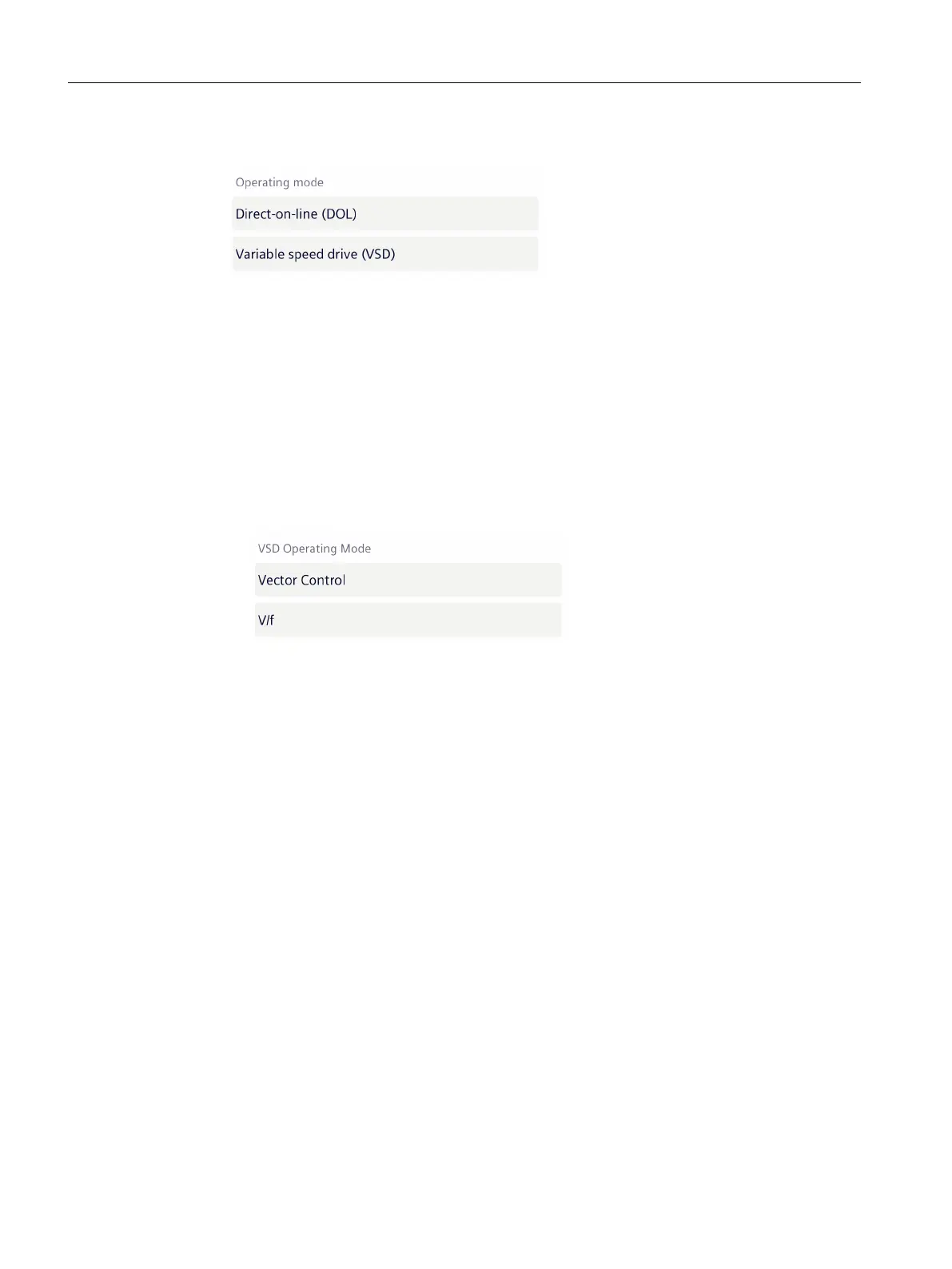
4. Select the operating mode.
– Line operation - direct-on-line operation (DOL)
When selecting "Direct-on-line operation (DOL)", you can immediately continue with step
6.
– Converter operation - variable speed drive operation (VSD)
When selecting "variable speed drive (VSD)", the following additional elds are displayed.
- VSD operating mode
- Inverter input voltage (V)
- Inverter output voltage (V)
When selecting "variable speed drive (VSD)", select one of the following control modes.
- Vector control
- U/f control
If you are not certain when making the selection, or if the converter is not operated in one
of the specied control modes, then select U/f.
Maintenance
8.7Replacing a motor (iOS)
SIMOTICS CONNECT 400
192 Operating Instructions, 04/2023, A5E50161952B AL






 To Next Page