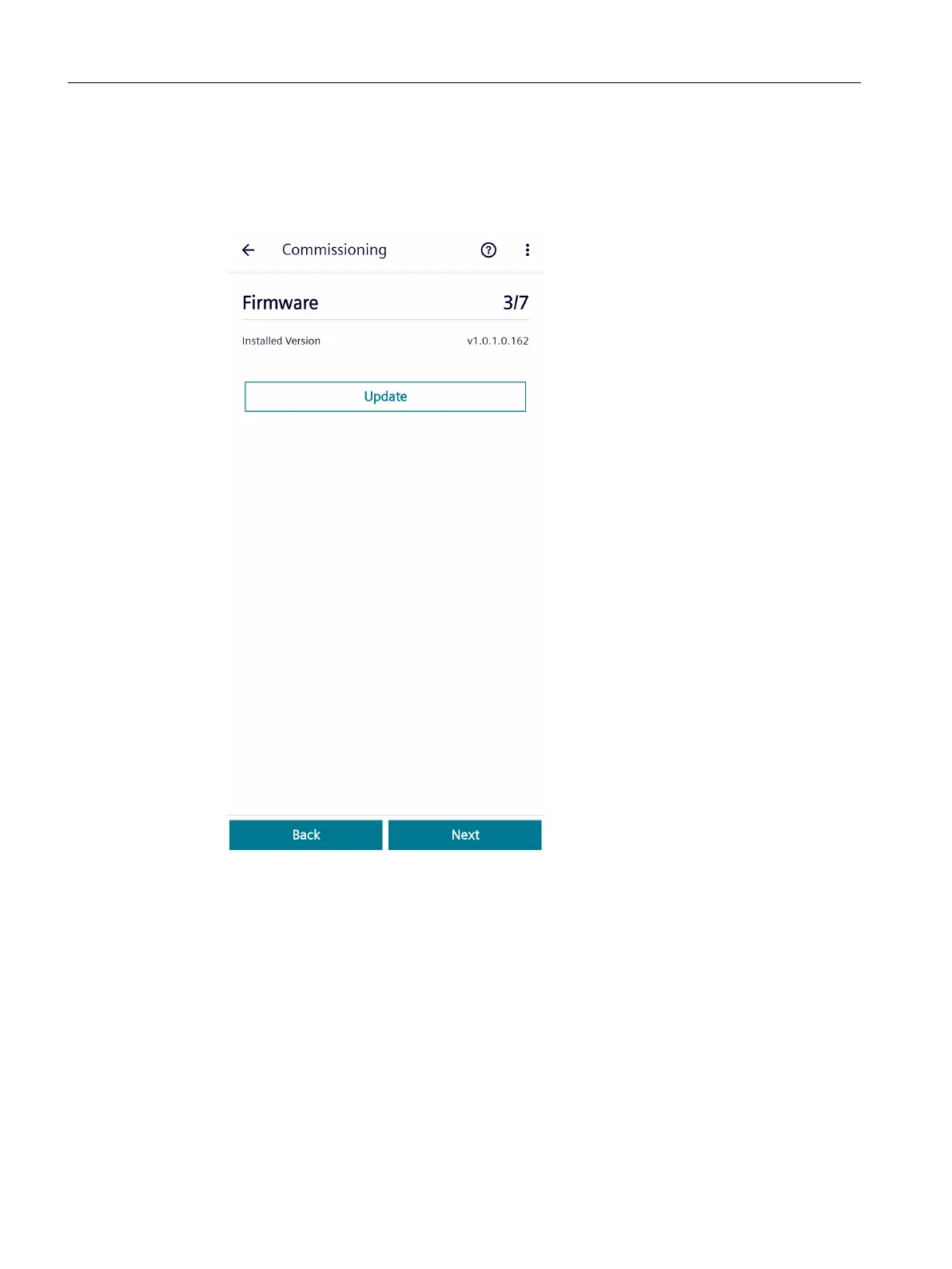
Procedure
1. Update the rmware by clicking on the "Update" button, and then proceed as described
below.
If you do not want to update the rmware, move on to the next step with the "Next" button.
2. Select the appropriate "*.bin" le. Downloading starts immediately upon selection. During
downloading, a progress bar is displayed. Wait until downloading is complete.
Result:
After the rmware le has been downloaded, a security check is performed and the Bluetooth
connection to the mobile device is reset.
The rmware is then updated. This process takes approximately 1 to 2 minutes. During this
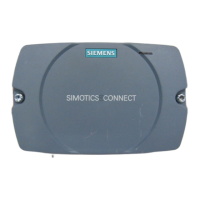
time, the LED on the front of the connectivity module rst ashes slowly – and then faster.
The LED goes dark after the rmware has been updated. The connectivity module
automatically restarts after the rmware has been successfully updated.
3. Log on again after the connectivity module has restarted and restart the commissioning
wizard.
Commissioning
6.2Commissioning with Android
SIMOTICS CONNECT 400
48 Operating Instructions, 04/2023, A5E50161952B AL






 To Next Page