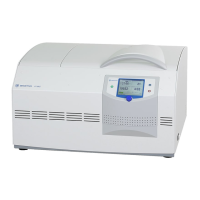
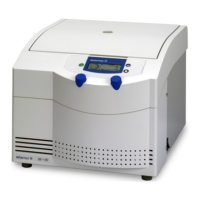
Laboratory Centrifuge Sigma 6-16S
Version 07/2012, Rev. 1.22 of 08/05/2020 • sb
Translation of the original operating manual, part no. 0702002
Blocking a function
• Select the function that is to be blocked. The lower levels will also be
automatically selected (if, for example, the "Parameters" function is
selected, the "Save" function will also be selected).
• Select the button "Activate code".
• Enter a four-digit code and confirm the entry.
The lock is now active. The symbol " " will be displayed in the status line
and the lock level will be indicated.
If changes are made after a function has been blocked, the system will ask
for the code prior to executing the change.
Fig. 21: "Parameters" menu with an active lock (level 01)
Unblocking a function
• Select the button "Deactivate code".
• Enter the code and confirm the entry.
The lock is now deactivated.
Changing the code
• Select the button "Change code".
• Enter the old code and confirm the entry.
• Enter the new code.
• For safety reasons, the code must be entered a second time.
The code is now changed.



 To Next Page