SigTEL Compact Installation and Configuration Manual
SigTEL Approved Document No. DAU0000091 Rev 5 Page 29 of 36
Emergency Voice
Communication System
18 Additional Engineer Functions
Change the security PIN code
Note: For a networked system, this option can only be accessed at the master MCU. The default security PIN code
is
2222.
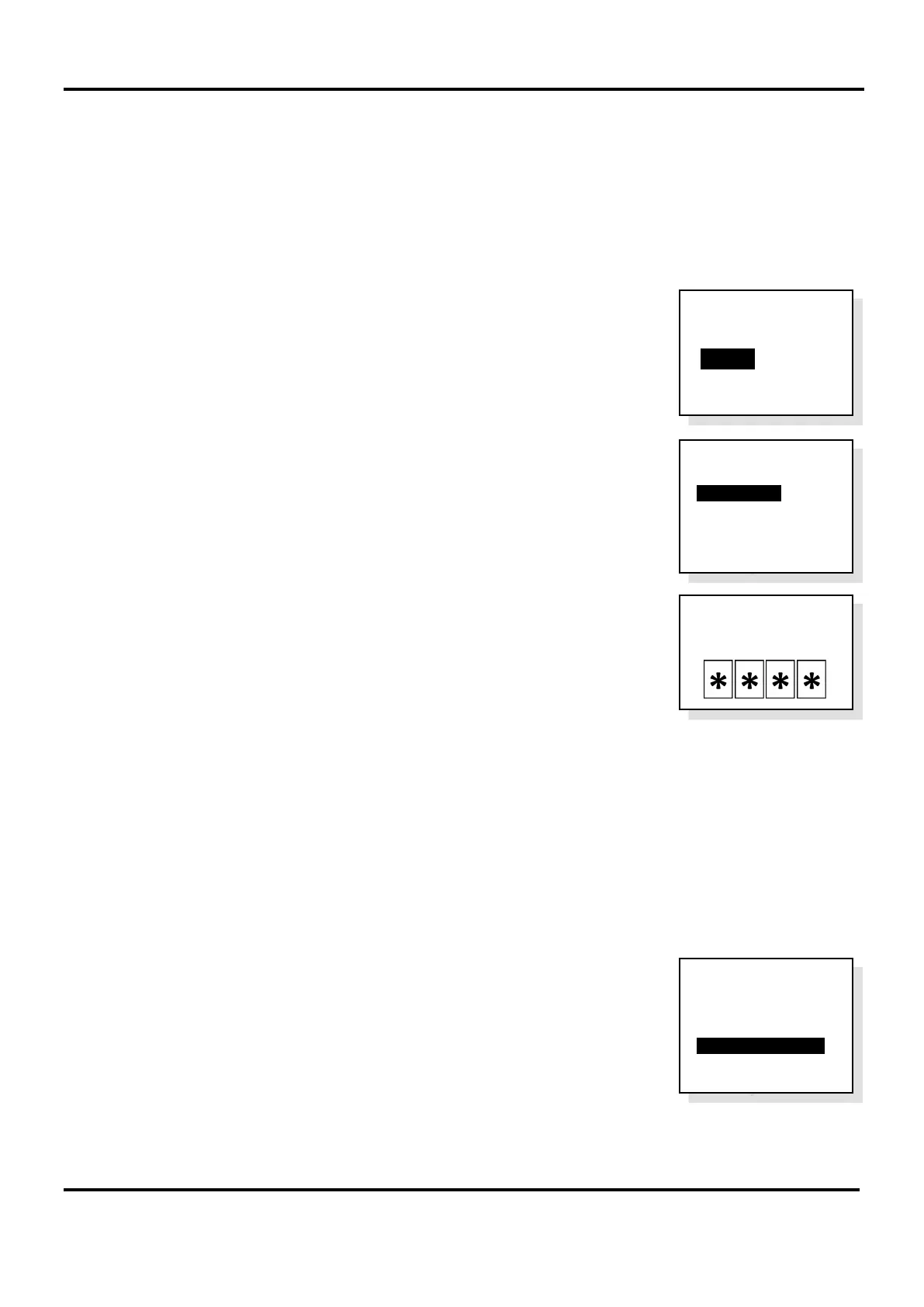
1. Open the lid of the MCU and press the Engineer Mode button. The ‘Eng. Opts’ menu is displayed.
2. Press ▼ to highlight the ‘Config’ option and press CALL/ACCEPT button.
3. The ‘Config’ menu is displayed.
Press ▼ to highlight ‘Change PIN’ option and press CALL/ACCEPT button.
4. Enter, then re-enter the new PIN number. Press CALL/ACCEPT button to
confirm the PIN number change.
Press END button multiple times to exit to the system healthy display.
Harmonise names (networked system only)
Harmonise Names option is used to globally update all network settings, e.g. security PIN code changes, extension
names, etc. This option is not normally required but could be used, for example, to update the extension name list if
there was a mismatch on the controller panels.
1. Follow steps 1 and 2, previously listed in section 18.1, to access the ‘Config’ menu.
2. Press ▼ to highlight ‘Harmonise Names’ option and press CALL/ACCEPT
button.
All network settings will be updated globally on the network.
After the harmonisation process is complete, press END button multiple times
to exit to the system healthy display.
Config
System Cfg
>Change PIN
System Opts
Harmonise Names
Reset Names
Factory Dfts
Config
System Cfg
Change PIN
System Opts
>Harmonise Names
Reset Names
Factory Dfts
Eng. Opts
Edit Phonebook
> C onfig
About...
Type New
PIN


 To Next Page