SigTEL Compact Installation and Configuration Manual
SigTEL Approved Document No. DAU0000091 Rev 5 Page 25 of 36
Emergency Voice
Communication System
Networked MCU/LCU configuration
Note: If a single, non-networked MCU is being configured refer to section 17.1.
Before configuring the network, ensure all MCU/LCU, outstations and DPTA interfaces have been installed,
connected and tested. Ensure that all handsets are on-hook and toilet alarms are cleared and reset.
The network requires one MCU to be nominated as the master MCU for commissioning purposes. This MCU will
have overall control of the EVCS. The remaining MCU/LCU on the network act as repeaters but have the ability to
take control from the master MCU by entering a security PIN code after configuration.
Select a master MCU
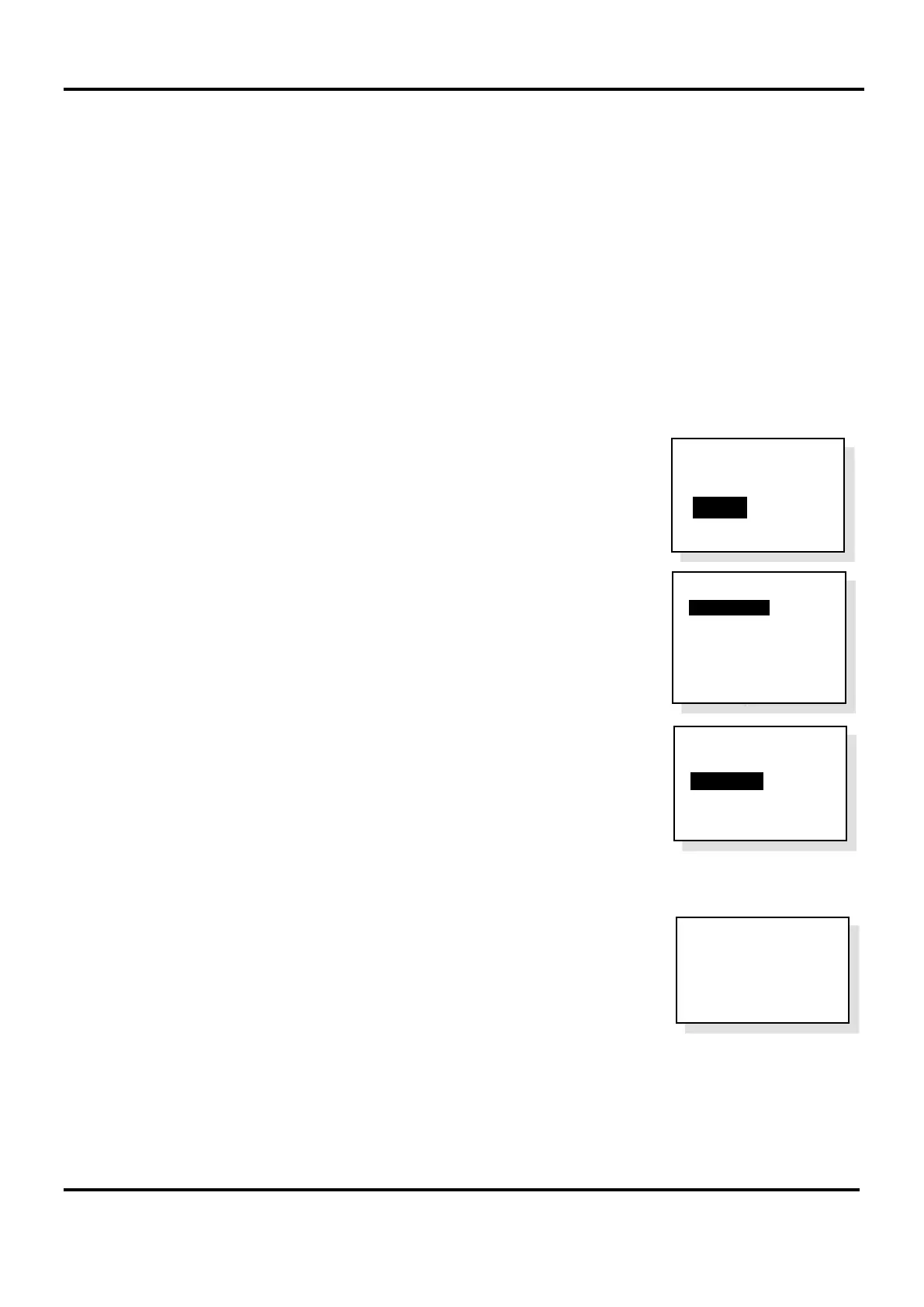
1. At the chosen master MCU, open the lid and press the Engineer Mode button. The ‘Eng. Opts’ menu is
displayed.
2. Press ▼ to highlight the ‘Config’ option and press CALL/ACCEPT button.
3. The ‘Config’ menu is displayed.
‘System Cfg’ option is highlighted. Press CALL/ACCEPT button.
4. The ‘Syst Cfg’ menu is displayed.
‘Unit Count’ option is highlighted. Press CALL/ACCEPT button to select the
Unit Count number.
Press ▼ or ▲ to set the total number of MCU/LCU on the network including the
master MCU, (2 to 14) and press CALL/ACCEPT button.
The master MCU then requests repeater MCU/LCU to join it on the network.
5. Go to a repeater MCU/LCU and press CALL/ACCEPT button to join the
network. Repeat this step for all remaining repeater MCU/LCu on the network.
Config
>System Cfg
Change PIN
System Opts
Harmonise Names
Reset Names
Factory Dfts
Syst Cfg
>Unit Count 4
Auto Learn
Network
Detected
Press Accept
to Join
Eng. Opts
Edit Phonebook
> C onfig
About...


 To Next Page