StreamCaster MIMO Radio User Manual 3/17/15
10017C000 Silvus Technologies Confidential Page
5.1.7 Build Information
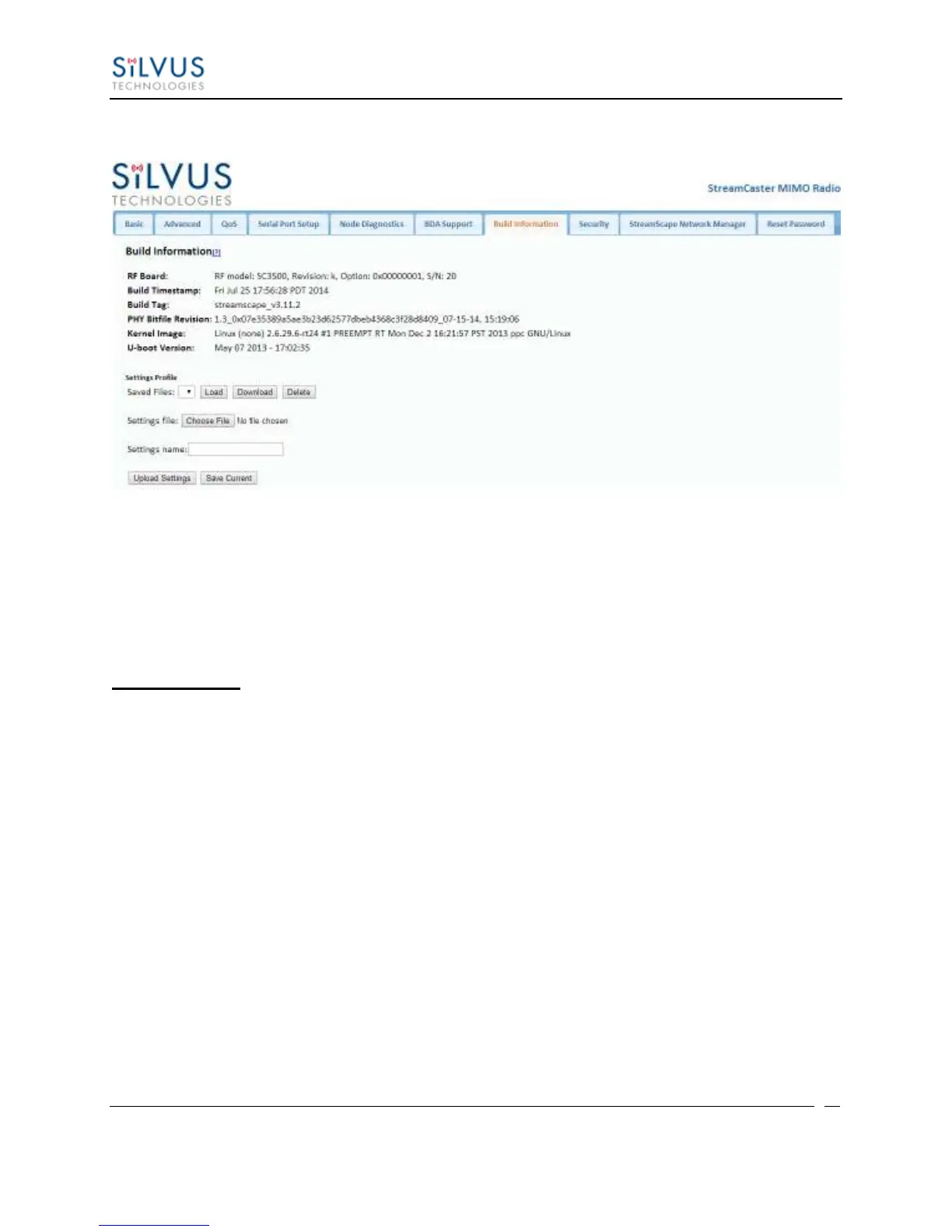
Figure 17 Build Information
On the Build Information page a user can see information about the hardware and firmware
loaded onto the radio. In addition, the user can save the current settings to a file for uploading to
other radios, or upload settings from a file to the radio.
Settings Profile:
To save the current settings to a file:
1. Type a filename into the “Settings Name” field and click “Save Current”.
2. The dropdown menu will now include this settings profile. You can choose it in the
dropdown menu and then click download to get a copy of the settings. You can also
delete it by clicking delete.
Saved profiles can be uploaded to other radios by clicking “Choose File”, browsing to the file,
and clicking “Upload Settings”.
Selecting a saved profile and clicking load will load it on the radio, so all settings will match the
profile selected.



 To Next Page