StreamCaster MIMO Radio User Manual 3/17/15
10017C000 Silvus Technologies Confidential Page
5.1.8 Security
The Security section of StreamScape allows users to enable/disable encryption, upgrade radios,
and load license files for enabling features such as AES encryption.
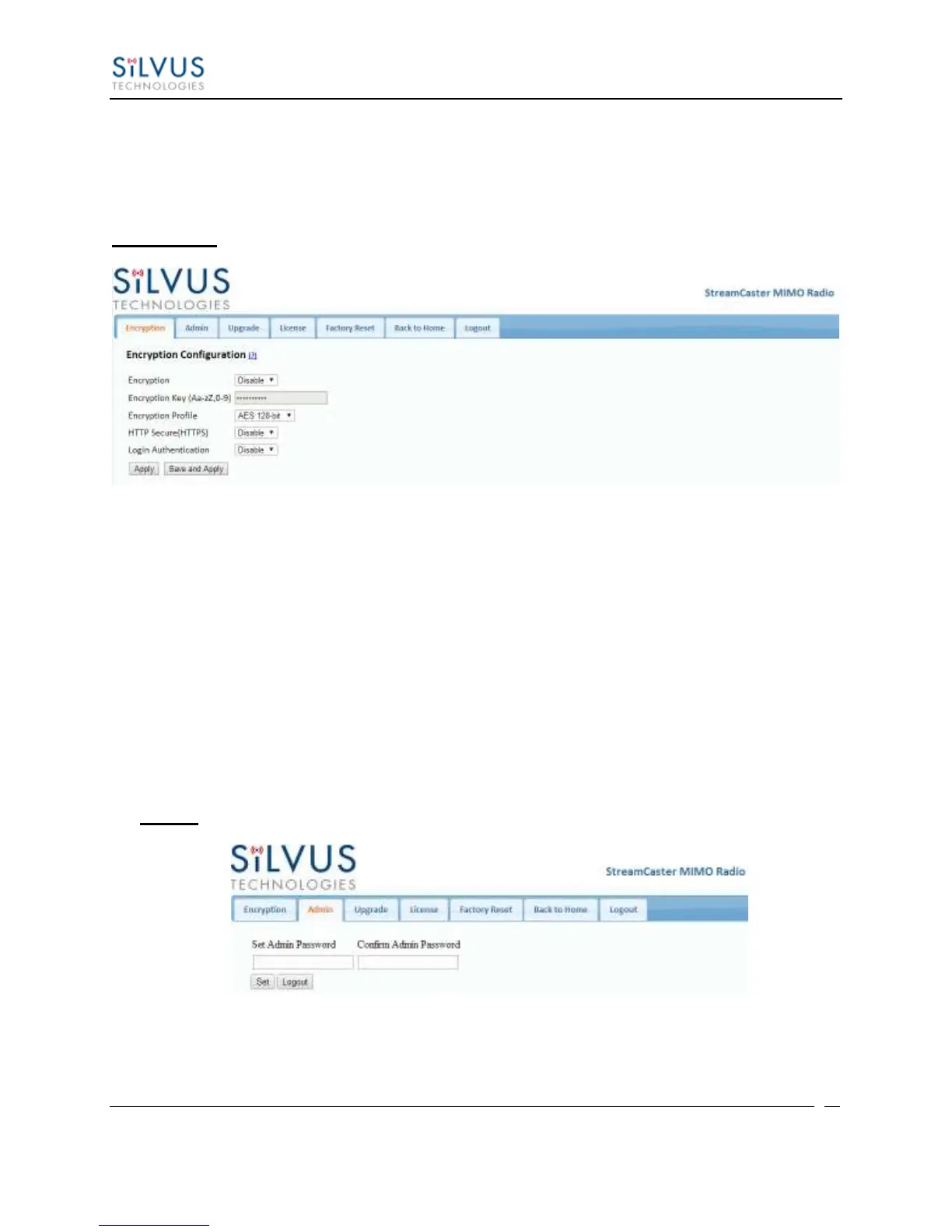
Encryption:
Figure 18 Security (Encryption)
Encryption: Enable or disable AES encryption.
Encryption Key: Set an encryption key if encryption is enabled.
Encryption Profile: Choose between AES, DES and CCM encryption. Note that the
SC3500 and SC3800 currently only support AES and DES encryption.
HTTP Secure (HTTPS): Enable or disable HTTPS access to StreamScape.
Login Authentication: Enabling this will require the user to input login credentials
before accessing the Security section of StreamScape.
Admin:
Figure 19 Security (Admin)
This tab can be used to set or change the administrator password (SC3822 only).



 To Next Page