92 StorageSync User’s Guide
If you no longer wish to have StorageSync installed on your computer, use the following
procedure to uninstall the program.
If you uninstall StorageSync from your computer, you will not be able to back up,
restore, or synchronize files using this computer.
1. Click the Start button.
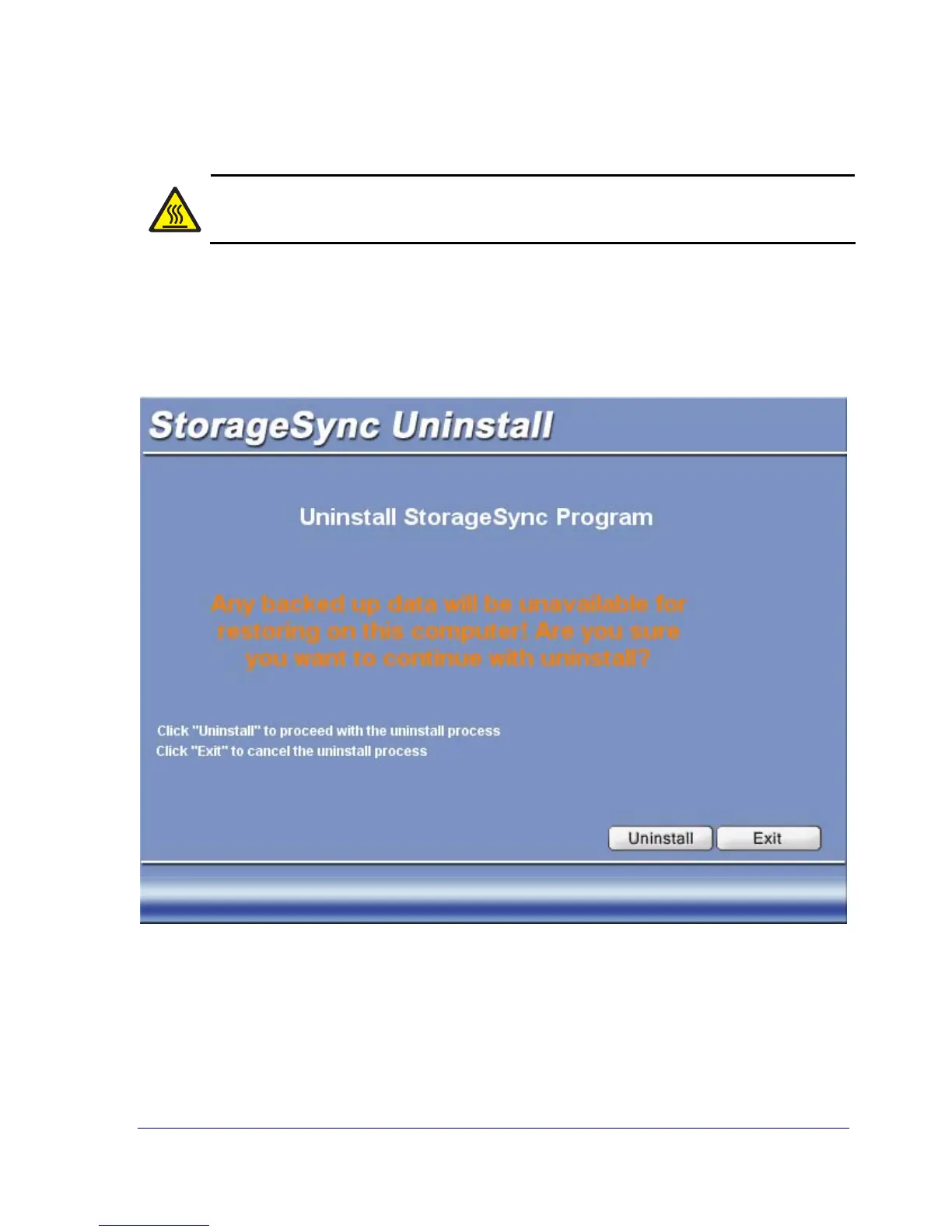
2. Point to Programs, StorageSync, and Uninstall. The uninstallation screen appears (see
Figure 43).
Figure 43. Uninstallation Screen



 To Next Page