StorageSync User’s Guide 51
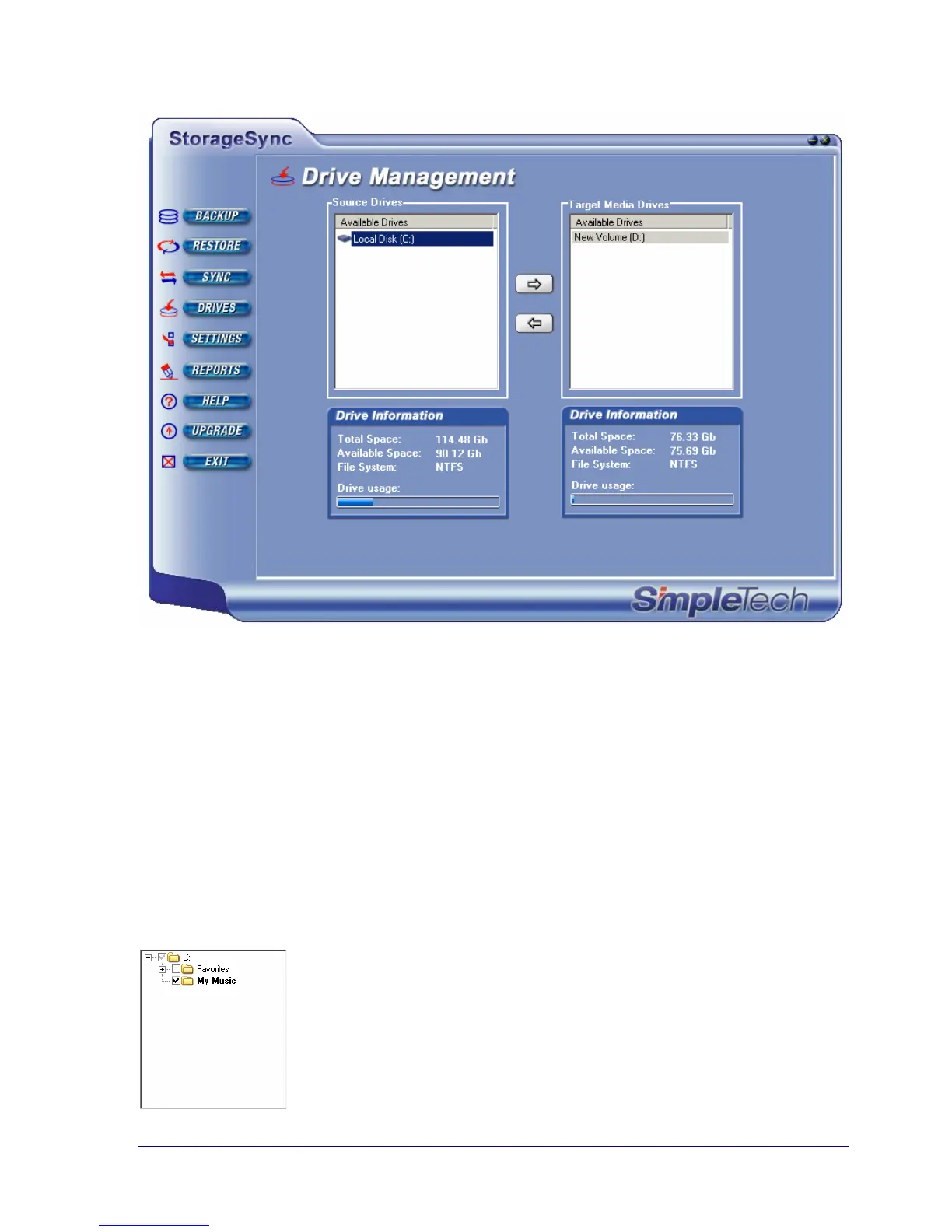
Figure 24. Example of Selecting a Target Media Drive
Selecting a Source Media Drive
After selecting your source and target drives, select the source media drive that contains the
backed up data you want to restore. When you select a source media drive, the drives and
directories contained on the media drive appear in the left list box under Select Files and
Directories for Restore.
Selecting Files and Directories for Restore
Two list boxes appear below Select Files and Directories for Restore. You use these list
boxes to tell StorageSync which directories and files to restore.
The left list box shows the backed-up directories on the source media
drive. Directories are navigated, viewed, and selected the same way
as in the Backup window.



 To Next Page