StorageSync User’s Guide 55
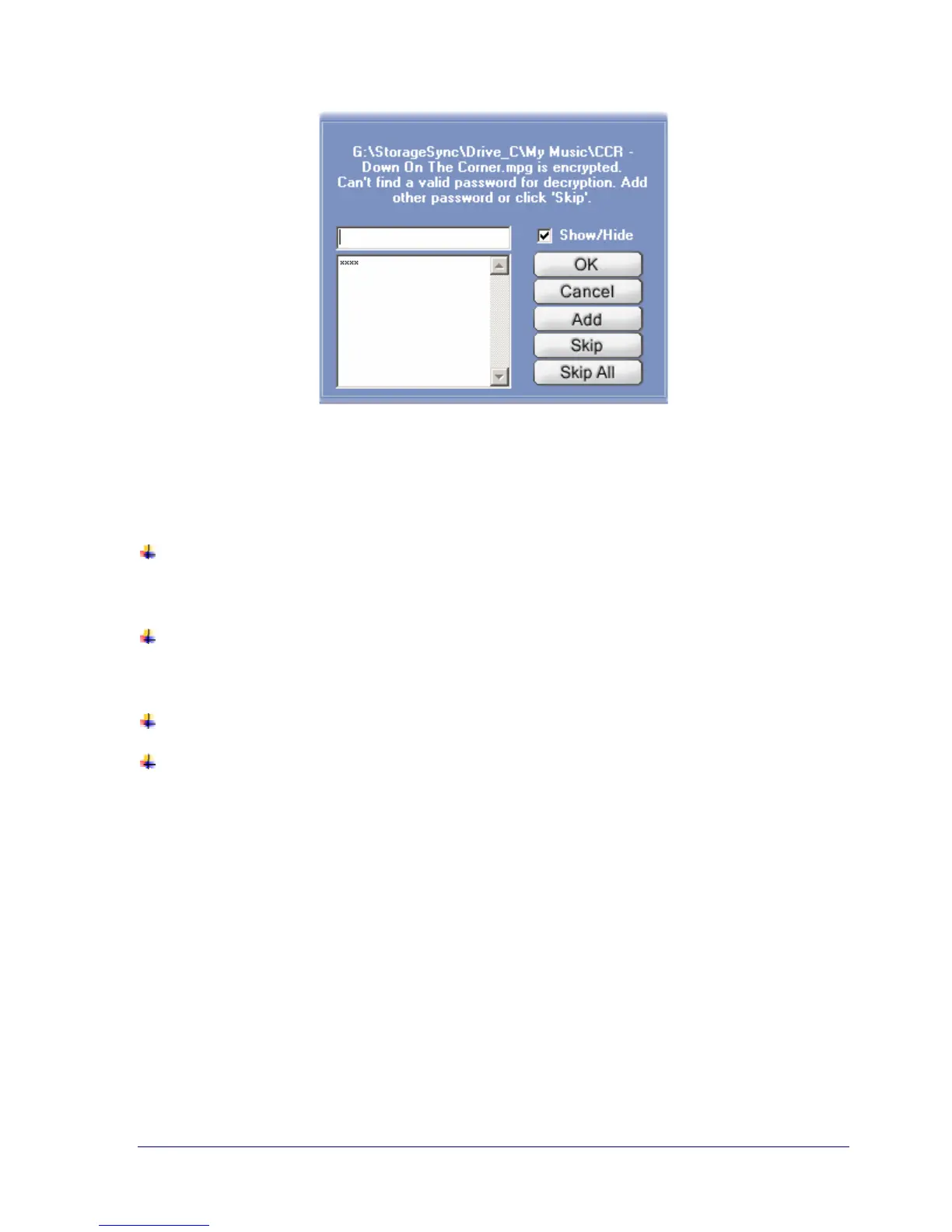
Figure 27. Can’t Find Valid Password Screen
From the screen in Figure 27, you can:
Enter the required password and click OK. If you have added passwords to the password
list, click Show/Hide to remove the checkmark; then look for the appropriate password,
enter it, and click OK.
Add one or more passwords to the list of passwords and click Add after each typed
password. This is useful if you are restoring multiple backup jobs that have their own
unique password.
Decide not to restore the files that require this password by clicking Skip.
Skip the entire restore job by clicking Skip All.



 To Next Page