StorageSync User’s Guide 37
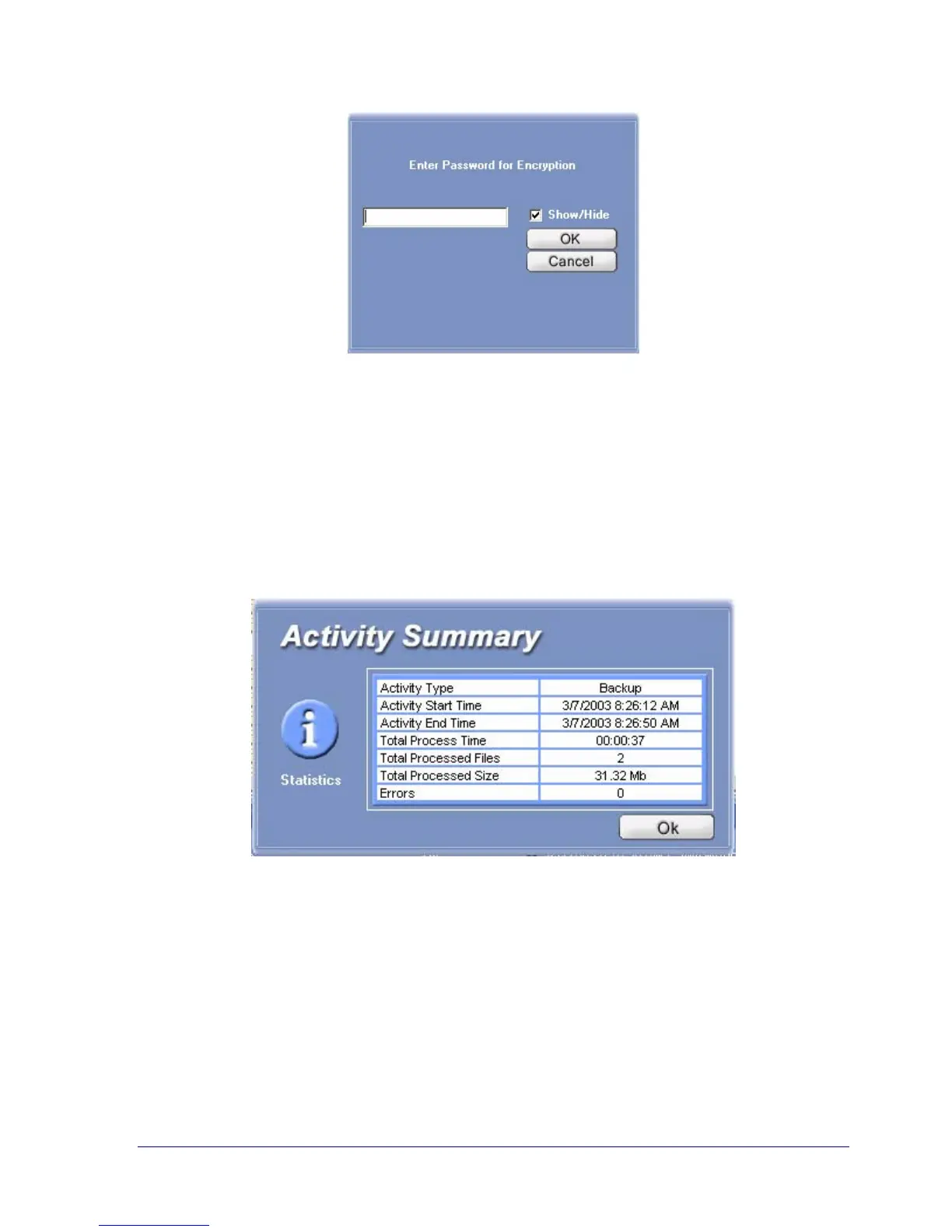
Figure 15. Enter Password for Encryption
10. As StorageSync backs up files, a screen shows the status of the backup. After the data has
been backed up, an Active Summary window appears with status information about the
Backup operation (see Figure 16). The Log Window shows information about the backup
operation that was entered into the StorageSync Log.
11. Click OK to remove the Activity Summary window.
Figure 16. Sample Activity Summary Window After a Data Backup Operation



 To Next Page