82 StorageSync User’s Guide
Upgrading to the Professional Version
Upgrading to the Professional version of StorageSync delivers premium features that include
compression, compression quality, encryption, and file revisioning. This chapter describes
how to upgrade to the Professional version of StorageSync.
The upgrade procedure is conducted online. Therefore, you must have an Internet connection
to upgrade to the Professional version of StorageSync.
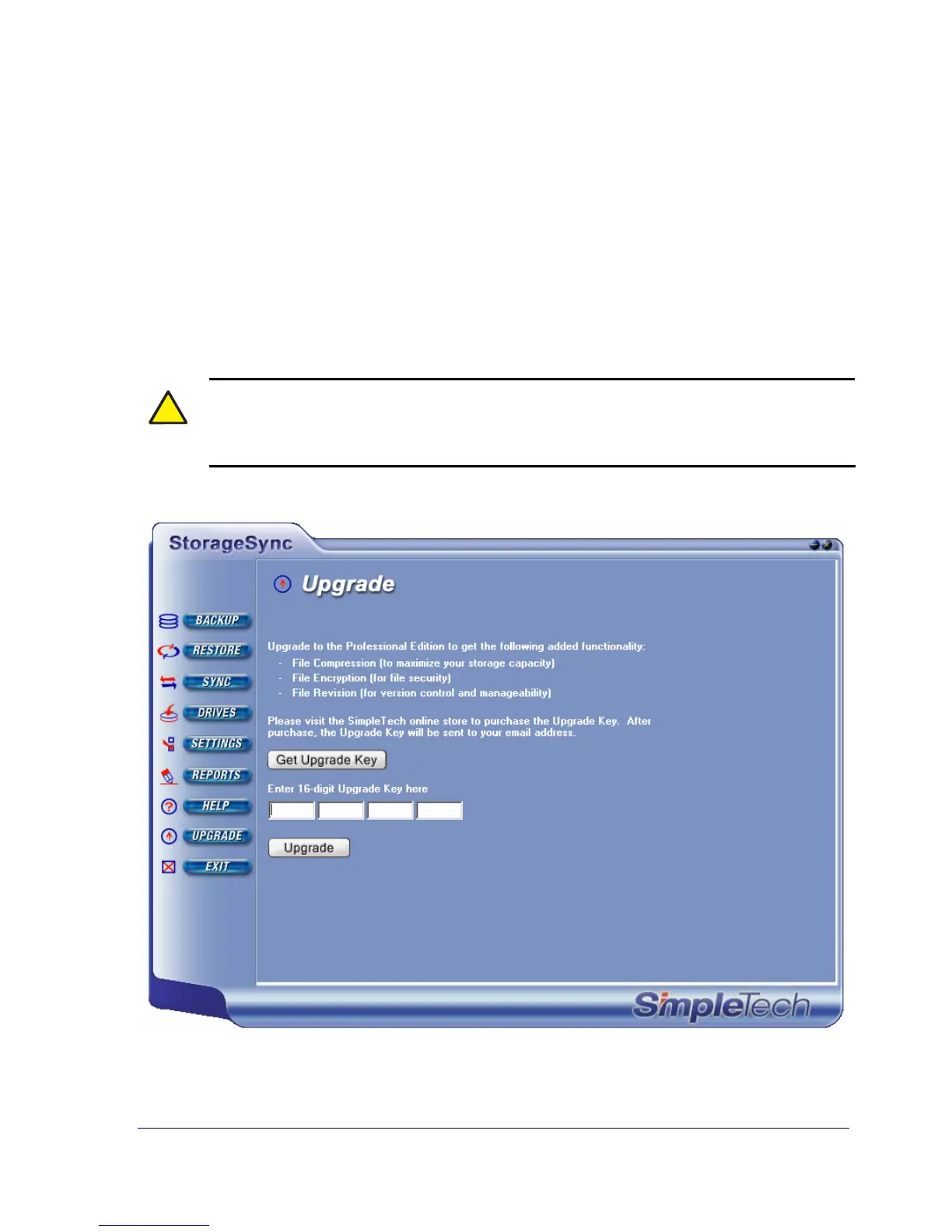
1. From a secondary window, click the UPGRADE button. The Upgrade window appears
(see Figure 41)
!
If you do not see an UPGRADE button, it means you did not register StorageSync.
Click UPGRADE and register the program (see page 16). After you register, the
REGISTER button changes to UPGRADE.
Figure 41. Upgrade Window



 To Next Page