StorageSync User’s Guide 63
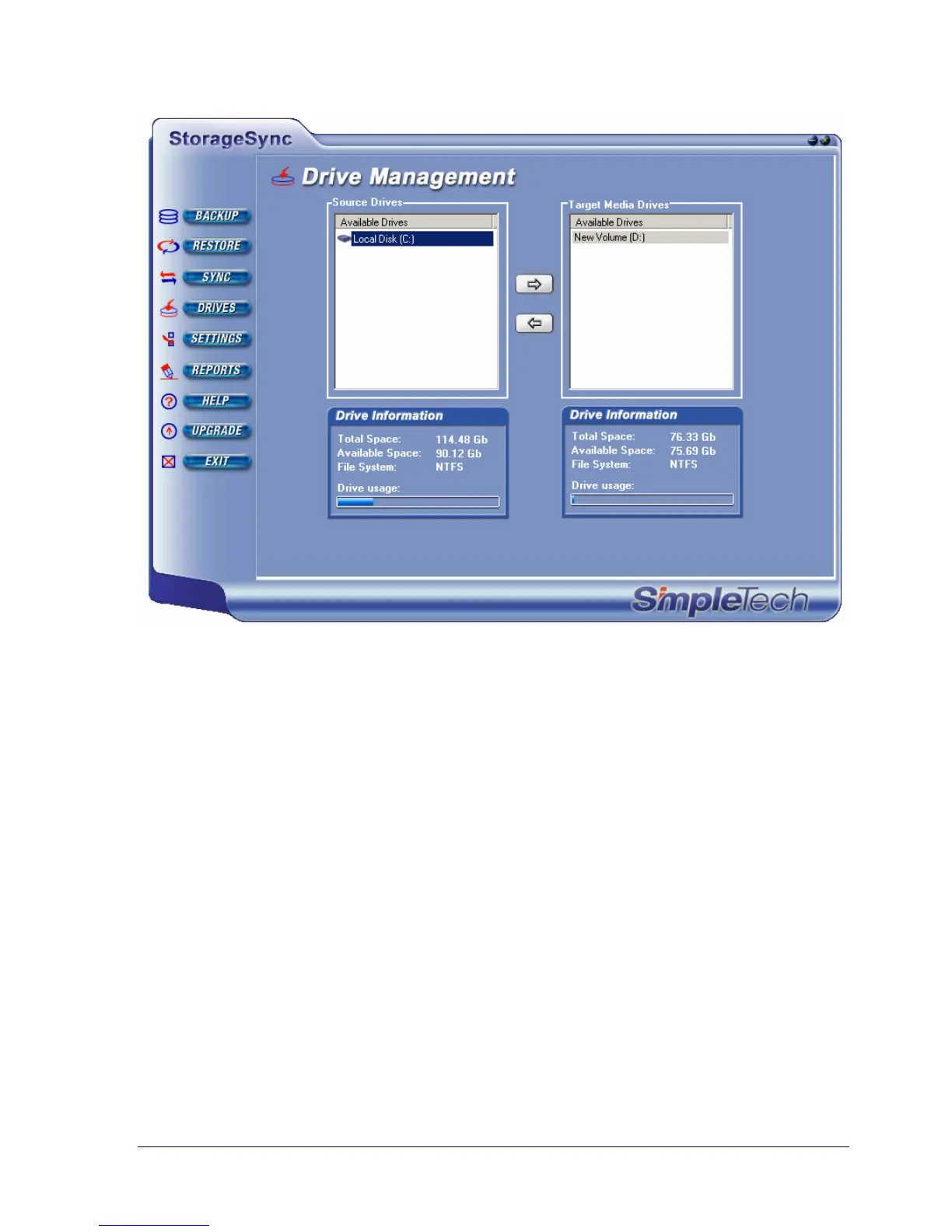
Figure 32. Example of Selecting a Target Media Drive
Selecting a Media Drive
After selecting source and target media drives, use the Select Media Drive drop-down list to
select the source media drive that contains the data you want to synchronize with the data on
your computer’s hard drive. When you select a source media drive, the drives and directories
contained on the media appear in the left list box under Select Files and Directories for
Restore.



 To Next Page