70 StorageSync User’s Guide
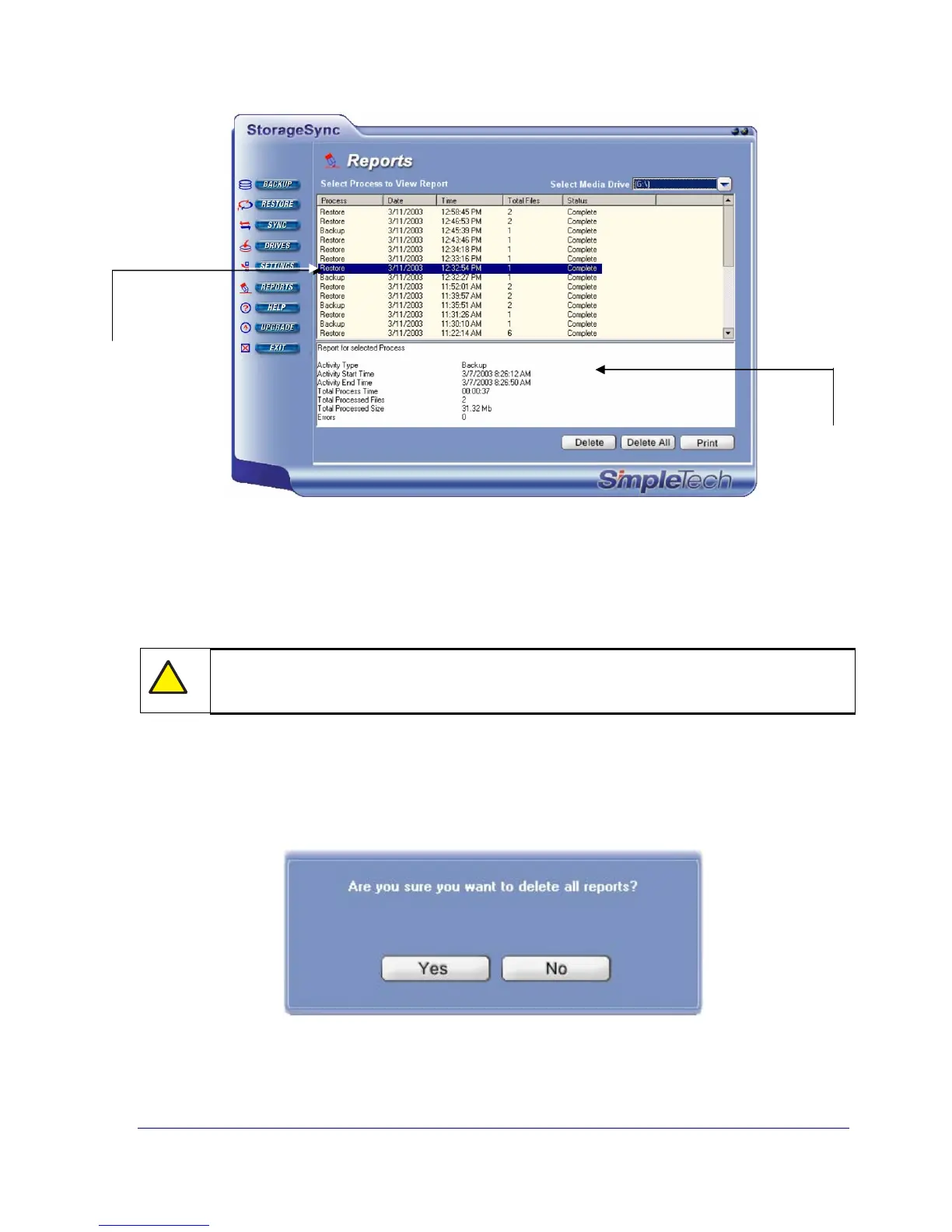
Figure 35.Viewing Detailed Report Information
3. To print detailed information about the selected report, click the Print button.
4. To delete the selected report in the Reports window and on the selected media drive, click
the Delete button.
!
No warning message appears before an individual report is deleted. Therefore, be
sure you do not need a report before deleting it.
5. To delete all logs and reports in the Reports window and on the selected media drive, click
the Delete All button. When the message in Figure 36 appears, click Yes to delete all the
reports or click No to retain them.
Figure 36. Precautionary Message when Deleting All Reports
Clicking a report here…
…displays detailed
information here.



 To Next Page