StorageSync User’s Guide 25
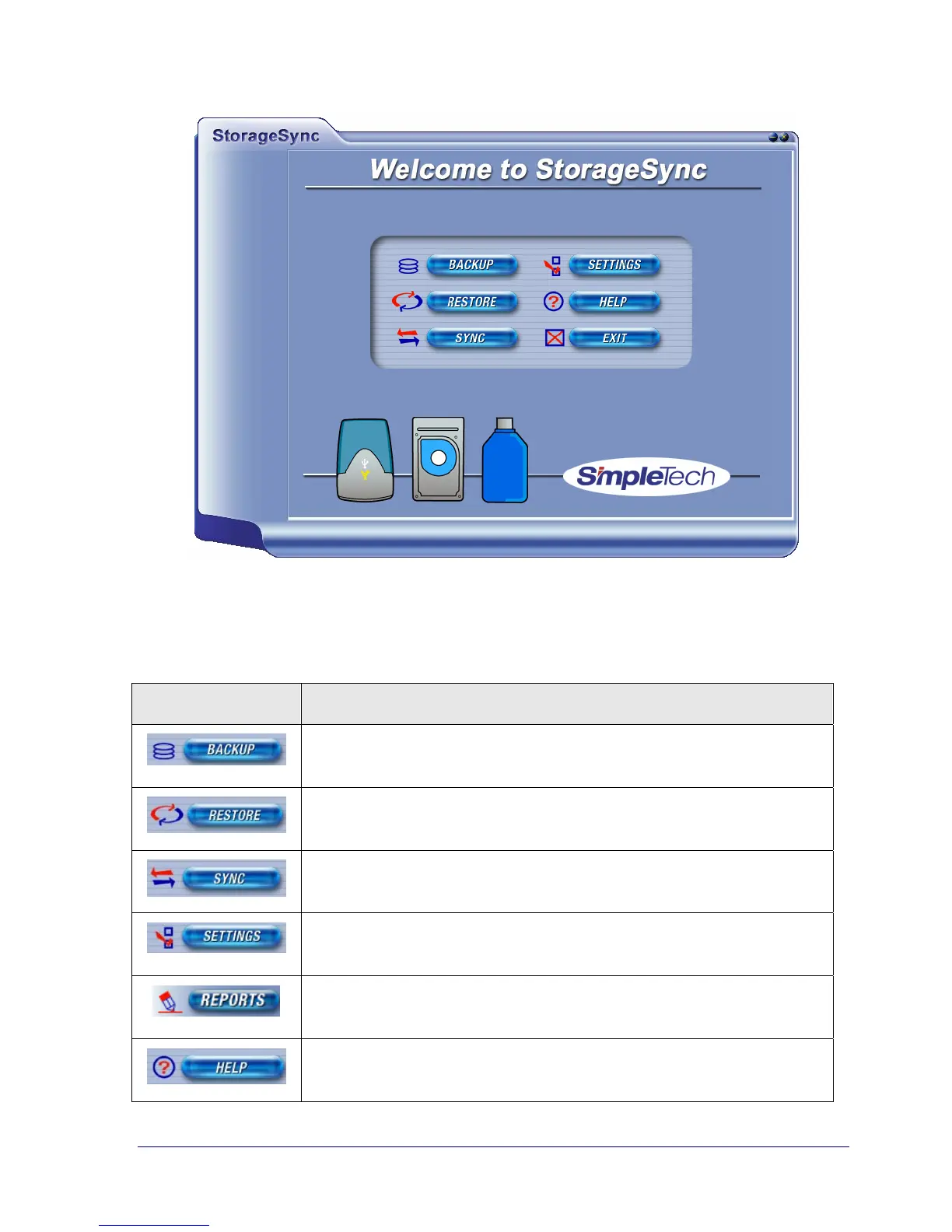
Figure 9. StorageSync Welcome Window
Table 2. Welcome Window Buttons
Button Description
Opens the StorageSync Backup window. See “Data Backup
Procedure” on page 34.
Opens the StorageSync Restore window. See “Data Restore
Procedure” on page 46.
Opens the StorageSync File Synchronization window. See “Data
Synchronization ” on page 58.
Opens the StorageSync Settings window. See Appendix A,
“StorageSync Settings” on page 71.
Opens the StorageSync Reports window. See “Viewing StorageSync
Reports” on page 68.
Opens the StorageSync Help window. See “Accessing
StorageSync’s Online Help” on page 29.



 To Next Page